Windows 11 Start Menu Won’t Open? Fix It Step by Step
If your Windows 11 Start menu will not open, these guided fixes can restore normal clicks, search, and app access without a full reset.

If the Windows 11 widgets board will not open, these step-by-step fixes can restore it quickly and help prevent the issue from returning.
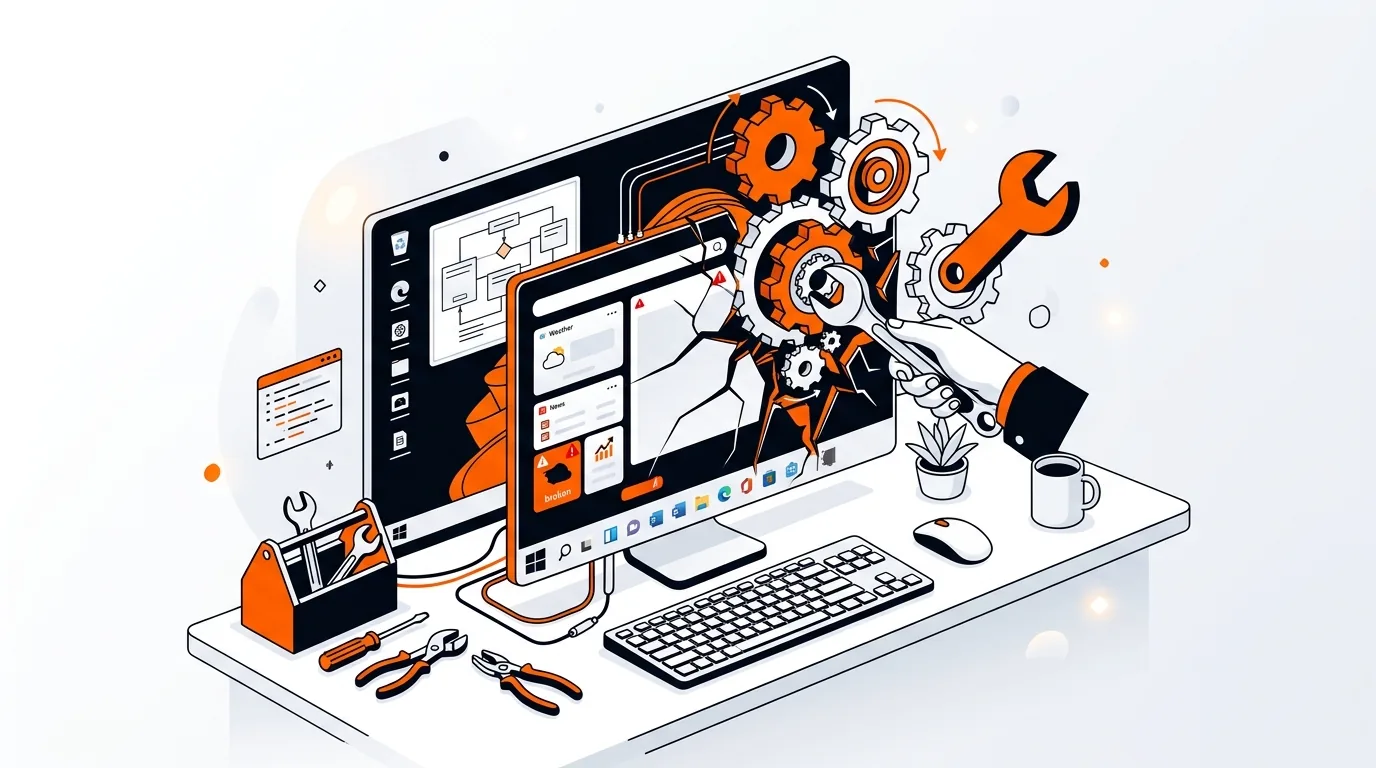
When the widgets panel stops opening in Windows 11, it can feel like the taskbar is only half working. If you click the weather icon and nothing happens, or the panel flashes and disappears, this guide will walk you through practical fixes for Windows 11 widgets not working.
Most cases are caused by a temporary taskbar glitch, a background process problem, or a damaged Windows component tied to Widgets and Web Experience Pack. Start with the easiest fixes first, then move to deeper repairs only if needed.
The Widgets board in Windows 11 depends on several parts working together: the taskbar, your Microsoft account sign-in, Microsoft Edge WebView2, and a background package called Windows Web Experience Pack. If one of those pieces is stuck, outdated, or corrupted, the widgets panel may stop opening or show a blank window.
This problem can also appear after a Windows update, after changing taskbar settings, or when Explorer has not restarted correctly. In many cases, the issue is local to your user profile and can be fixed without reinstalling Windows.
If Windows 11 widgets not working becomes a repeating issue after every restart or update, the cause is often a damaged user profile, recurring taskbar corruption, or incomplete app package updates. Keep Windows fully updated, avoid force-shutting down the PC, and watch for patterns like the problem appearing only after sleep mode or after installing third-party system tuning tools. If the issue keeps returning, it may be faster to have a technician check your Windows profile, taskbar services, and app packages remotely.
A blank widgets panel usually points to a problem with Windows Web Experience Pack, Microsoft Edge WebView2, or a temporary Microsoft account sync issue. Repairing the package, installing Store updates, and restarting Explorer are usually the best first steps.
Widgets relies on Microsoft web components, including WebView2, which is commonly installed alongside Edge. You do not need to actively use Edge as your default browser, but the related Windows web components should remain installed and updated.
No. Resetting the package should not remove your documents, photos, or installed desktop programs. It may clear app-specific cached data tied to the widgets experience, which is usually safe and often helps restore normal behavior.
Need hands-on help fixing stubborn Windows issues? Call 247TechTeam at 888-549-0702 or request a secure remote session.
Our technicians can help remotely.
If your Windows 11 Start menu will not open, these guided fixes can restore normal clicks, search, and app access without a full reset.
If your Windows 11 taskbar icons disappeared, this guide walks you through practical fixes to restore them and prevent the issue from coming back.
If your Windows 11 search bar opens but won’t accept typing, these step-by-step fixes can restore keyboard input and get Start search working again.

Please sign in or create an account to interact with this article.