How to Remove Search Marquis From a Mac Browser
Learn how to remove Search Marquis from your Mac browser and stop unwanted redirects by checking profiles, login items, extensions, and settings.

Learn the real difference so you can respond to threats faster.
Many people use the words virus and malware as if they mean the same thing. They are related, but they are not identical. Knowing the difference helps home users and small businesses react more calmly, choose the right cleanup steps, and avoid making a bad situation worse.
In plain English, malware is the big category, and a virus is one type inside that category. That matters because not every infection spreads the same way, shows the same warning signs, or needs the same response on Windows and Mac computers.
Malware means malicious software. It is a broad label for software designed to harm a device, steal information, interfere with normal use, or trick the user into giving access or money.
A virus is a specific kind of malware that attaches itself to a file or program and spreads when that file is opened, shared, or run. Other malware types behave differently. Some hide in the browser, some steal passwords, and some lock files for payment.
Thinking of it this way usually helps:
This is why a pop-up saying “you have a virus” may not be accurate. The real issue could be adware, a browser hijacker, a fake alert, a trojan, or another threat entirely.
A virus usually needs user action to spread, such as opening an infected file or running a compromised program. It may corrupt files, slow performance, or spread to other folders and drives.
A trojan pretends to be something safe, such as a download, invoice, installer, or update. Once opened, it can create backdoors, steal data, or install more malware. Unlike a classic virus, a trojan does not need to attach itself to other files to cause trouble.
These often change your homepage, default search engine, or new-tab page. They may flood the browser with ads, redirect searches, or reinstall unwanted extensions. If your issue is centered on strange search pages or redirects, it may be more useful to review browser hijacker cleanup steps than to search only for virus removal.
Spyware focuses on monitoring activity. It may collect browsing habits, login details, or system information without clear permission. Some spyware is noisy, but some tries to stay hidden.
Ransomware is built to lock files or systems and demand payment. If files suddenly become inaccessible or renamed, disconnect the device from the internet and any shared drives right away to help limit spread.
These differences matter because the best response depends on what the threat is doing, not just what it is called.
Most home and small-business infections do not appear out of nowhere. They usually arrive through a few common paths:
Windows users often see more fake alerts and unwanted installers, but Mac users are not exempt. Macs can still run into adware, browser hijackers, credential theft, malicious profiles, and fake update prompts. The safer habit on either system is to install software only from trusted sources, keep the operating system updated, and review browser extensions regularly.
On a small-business computer, one infection can affect shared mailboxes, synced cloud folders, saved browser passwords, and customer files. Even if the first symptom looks minor, such as a changed homepage or repeated pop-ups, it is smart to take it seriously and check the device before more accounts are affected.
Not every slow computer has malware. Updates, low storage, failing drives, and too many startup apps can cause similar symptoms. Still, certain signs are more suspicious than others:
Fake virus alerts are especially common. They often try to create panic so the user clicks, calls a scam number, or installs more unwanted software. If that sounds familiar, see these signs of fake virus alerts on a Windows PC.
The first goal is to limit damage without deleting the wrong things. Avoid random cleanup tools or registry edits from unverified websites.
If the infection keeps returning, if the browser is still hijacked, or if business data may be involved, professional help is often faster and safer than trial and error. 247TechTeam offers Virus & Malware Assistance and can also help confirm whether the issue is a true infection or a different system problem.
Good virus protection is usually a combination of habits, updates, and layered security tools. It is less about finding one perfect app and more about reducing opportunities for malware to get in.
Because so many threats now start in the browser, extension review and search-setting checks are important. Unwanted notifications, pop-ups, and redirects are not always a classic virus, but they can still expose you to scams and further downloads. A periodic browser security checkup can help catch settings and extensions that users often miss.
If you want a managed security option, 247TechTeam also offers 247 Tech Team Antivirus for Windows and Mac for users who prefer extra protection with support available if something looks suspicious.
No. A virus is only one kind of malware. Many modern problems involve trojans, adware, spyware, fake alerts, or browser hijackers rather than a classic file-infecting virus.
Yes. Macs can still be affected by adware, malicious downloads, fake update prompts, unwanted profiles, and password-stealing threats. Safe browsing, updates, and trusted security software still matter.
Only if you are confident they are not legitimate system or app files. Removing the wrong items can cause startup issues or data loss. When in doubt, isolate the device, run trusted scans, and get expert help before making deeper changes.
If your Windows or Mac computer is showing signs of a virus or other malware, 247TechTeam can help. Call 888-549-0702 or start a secure remote session for hands-on support.
Our technicians can help remotely.
Learn how to remove Search Marquis from your Mac browser and stop unwanted redirects by checking profiles, login items, extensions, and settings.
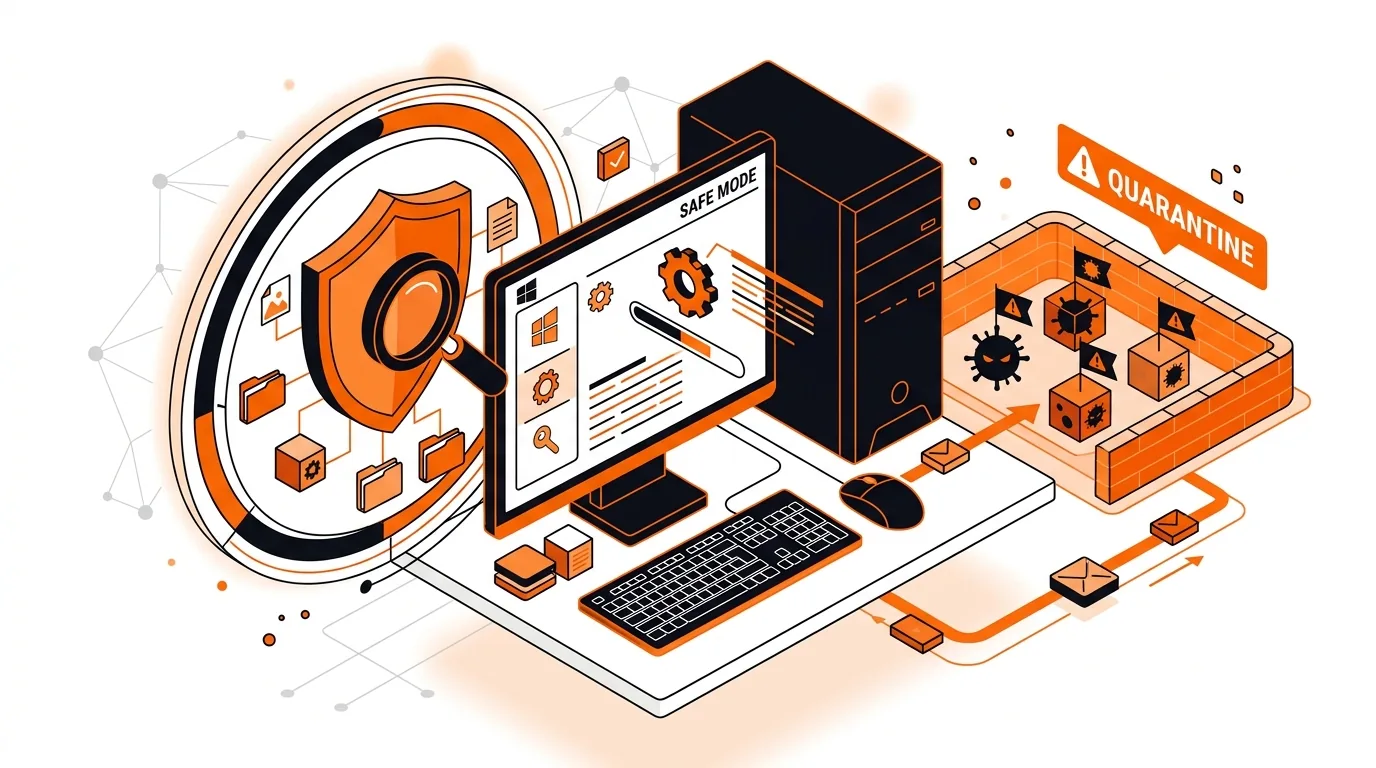
Learn how to remove a Trojan using Windows Safe Mode so you can stop suspicious processes, scan hidden files, and restore normal PC performance.
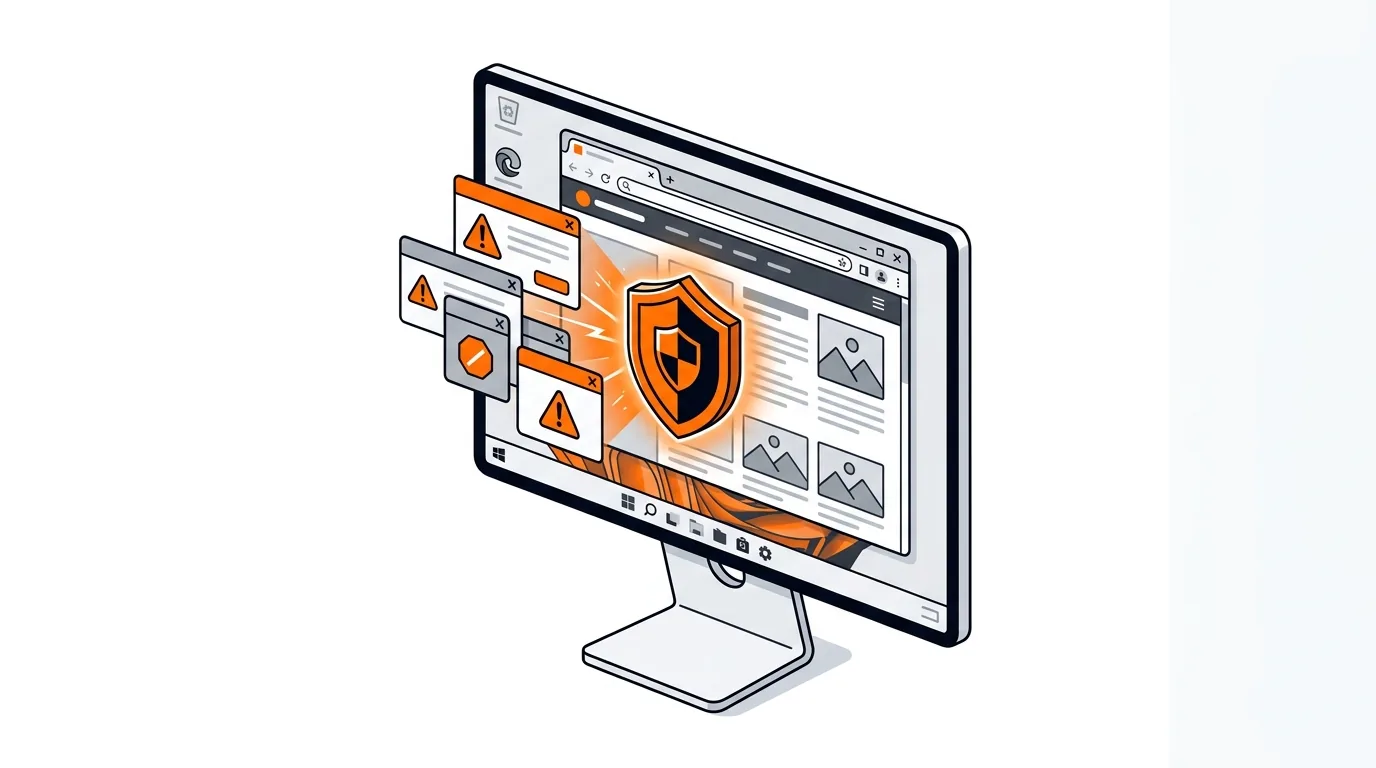
Stop fake virus pop-ups that lock your browser or demand payment with safe, step-by-step cleanup methods for Windows users.

Please sign in or create an account to interact with this article.