7 Warning Signs of Malware on a Computer
Unexpected pop-ups, slowdowns, and account alerts can point to malware on Windows or Mac computers. Here are seven signs to watch for next.

Learn the quiet signs and safer checks for Windows and Mac.
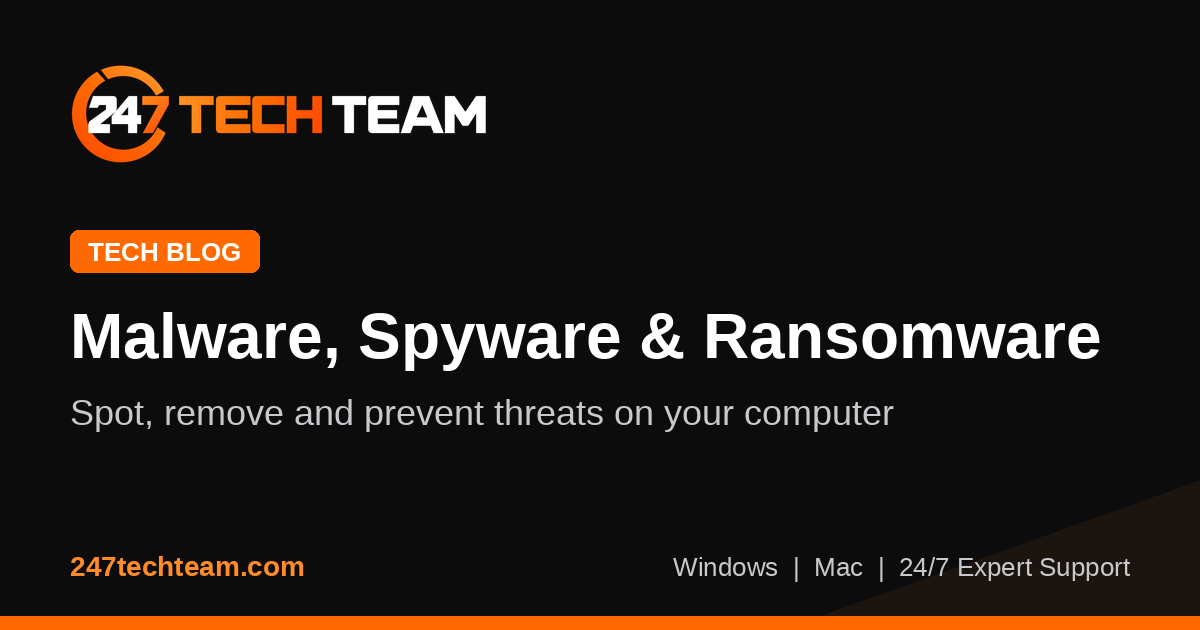
Spyware is designed to collect information without clear permission. Stalkerware is a related type of monitoring software often installed to watch messages, browsing, logins, or location-like activity on a device someone else uses.
For home and small-business users, the hard part is that these threats may not look like classic viruses. They often hide behind ordinary app names, browser permissions, remote access tools, or small system changes that are easy to miss on both Windows and Mac computers.
Spyware is a broad term for software that secretly observes activity and sends data back to another party. Stalkerware is usually discussed as software used to monitor a person rather than support a legitimate business or IT need. In practice, the two can overlap.
On computers, these programs may try to capture browsing habits, screenshots, saved passwords, keystrokes, clipboard contents, files, email activity, or account sessions. Some also change browser settings or install extensions that watch what you search for and what sites you visit.
Many users expect malware to cause pop-ups or a total system crash. Spyware often does the opposite. It tries to stay quiet, blend in, and keep enough of the computer working that the user does not investigate further.
A monitoring tool can hide under a generic name, launch automatically at sign-in, or ask for broad permissions during what looks like a normal install. That is one reason it helps to review recent installs, browser add-ons, and background items if a computer suddenly starts acting differently.
Spyware usually needs a way to stay active after restart and a place to collect or forward data. That leads it to a few common hiding spots.
On Windows, check installed apps, Task Manager startup entries, browser extensions, and account sign-in activity. On Mac, review Login Items, Extensions, Privacy & Security permissions, and recently added applications. If startup behavior seems unusual, a Startup & Driver Troubleshooting check can help identify what is loading in the background.
No single symptom proves spyware, but patterns matter. If several of the signs below started around the same time, it is worth investigating carefully.
Some of these signs can also come from adware, browser hijackers, or unwanted remote tools. If the browser is part of the problem, a Browser Security Checkup or related Malware & Spyware Removal articles may point you in the right direction.
If you suspect monitoring software, avoid random cleanup steps from unverified sources. Deleting the wrong files, turning off built-in protections permanently, or installing more unknown utilities can make the system less stable and less secure.
For users who want hands-on help, 247TechTeam can assist with a Virus & Malware Assistance session to review suspicious software, browser settings, and startup items remotely.
You do not need advanced security tools to make spyware harder to plant. A few careful habits help reduce risk for families, remote workers, and small offices.
A maintained antivirus can help catch known threats and suspicious behavior. If you need protection for one computer, 247 Tech Team Antivirus for Windows and Mac is one option to consider alongside safe browsing and regular updates.
Yes. Some spyware hides behind generic names or uses names that sound like utilities, updates, or helper tools. That is why it helps to review recent installs, publisher names, permissions, and startup behavior instead of judging by the app name alone.
Maybe, but use care. Uninstalling the wrong item can affect normal features, and some threats leave behind browser changes or background tasks. If the computer is used for work or contains important files, back up your data first and consider getting expert help before removing anything you do not understand.
Sometimes a full reset or clean reinstall is the clearest path, but it is not always the first step. Before doing that, make sure important files are backed up safely and that you have account credentials, software access, and recovery information ready. A professional review can help you decide whether a reset is really needed.
If you think a Windows or Mac computer may be monitored or compromised, 247TechTeam can help you review it safely. Call 888-549-0702 or start a secure remote session.
Our technicians can help remotely.
Unexpected pop-ups, slowdowns, and account alerts can point to malware on Windows or Mac computers. Here are seven signs to watch for next.
If your browser keeps reopening random tabs at startup, this guide shows how to remove the adware behind it and stop the annoyance for good.
If your searches keep opening the wrong site, use these step-by-step fixes to remove a browser hijacker and restore normal browsing on Windows or Mac.

Please sign in or create an account to interact with this article.