How Ransomware Spreads Through Email and Downloads
Learn how ransomware reaches Windows and Mac computers through email, downloads, and fake prompts, plus practical steps that help reduce risk.

Guides to spot and remove malware, spyware and PUPs.
Showing 7 of 7 Malware & Spyware Removal articles
Learn how ransomware reaches Windows and Mac computers through email, downloads, and fake prompts, plus practical steps that help reduce risk.
Spyware and stalkerware often avoid obvious warnings. Learn where they hide, what signs to watch for, and safer first steps on Windows and Mac.
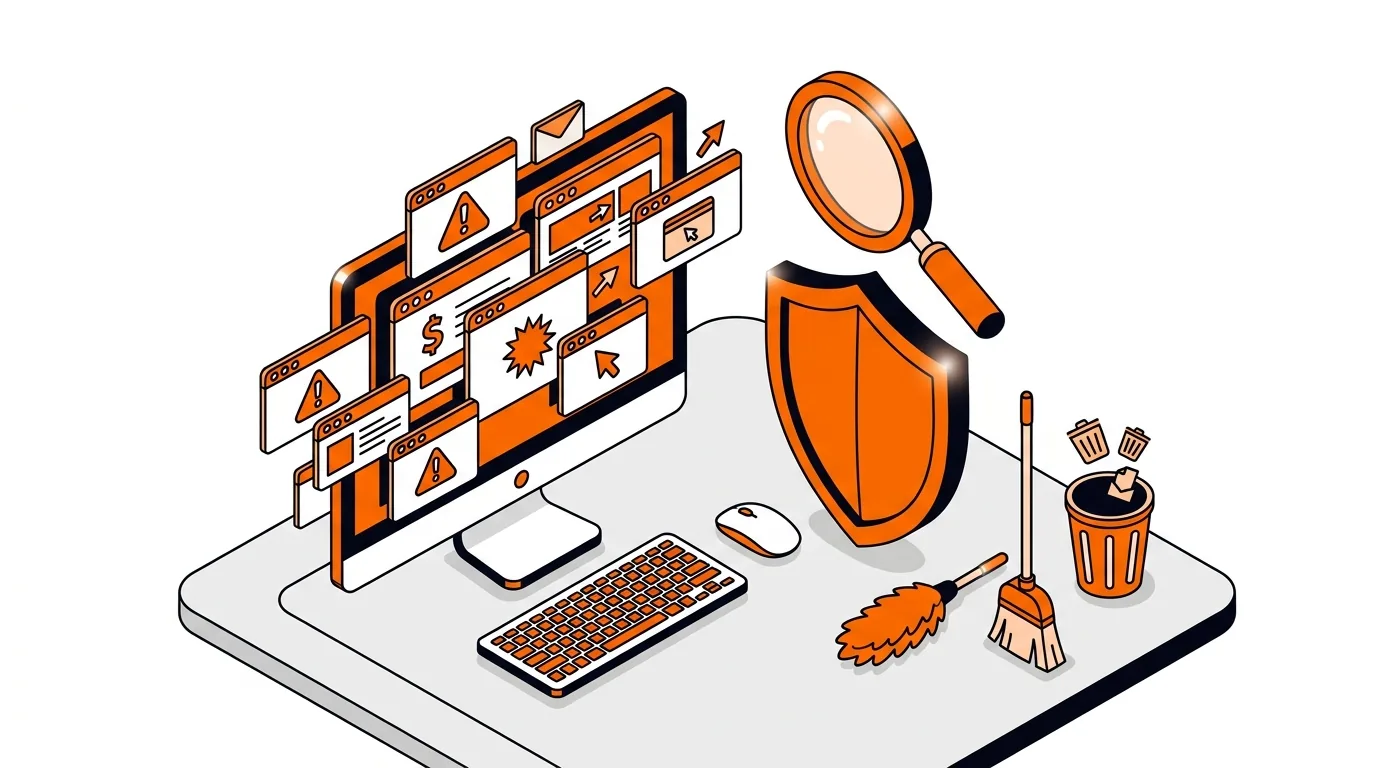
Unexpected pop-ups, slowdowns, and account alerts can point to malware on Windows or Mac computers. Here are seven signs to watch for next.
If your browser keeps reopening random tabs at startup, this guide shows how to remove the adware behind it and stop the annoyance for good.
If your searches keep opening the wrong site, use these step-by-step fixes to remove a browser hijacker and restore normal browsing on Windows or Mac.
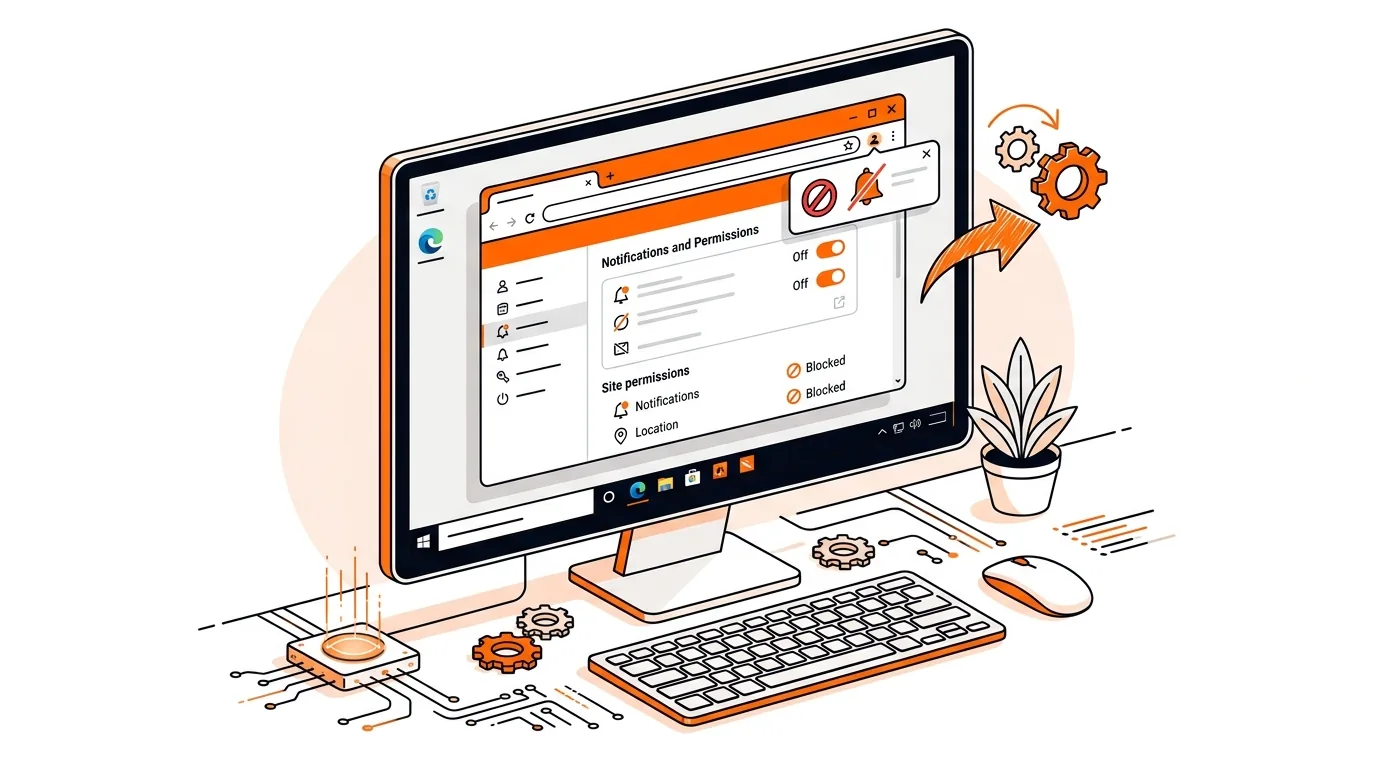
Learn how to stop fake Chrome notification spam on Windows, revoke bad site permissions, and clean up the browser so alerts stop coming back.
Learn how to remove fake McAfee pop-ups from Chrome, Edge, or Firefox and stop repeated scam alerts, redirects, and unwanted notifications.