How to Fix a Printer Spooler Service That Keeps Stopping
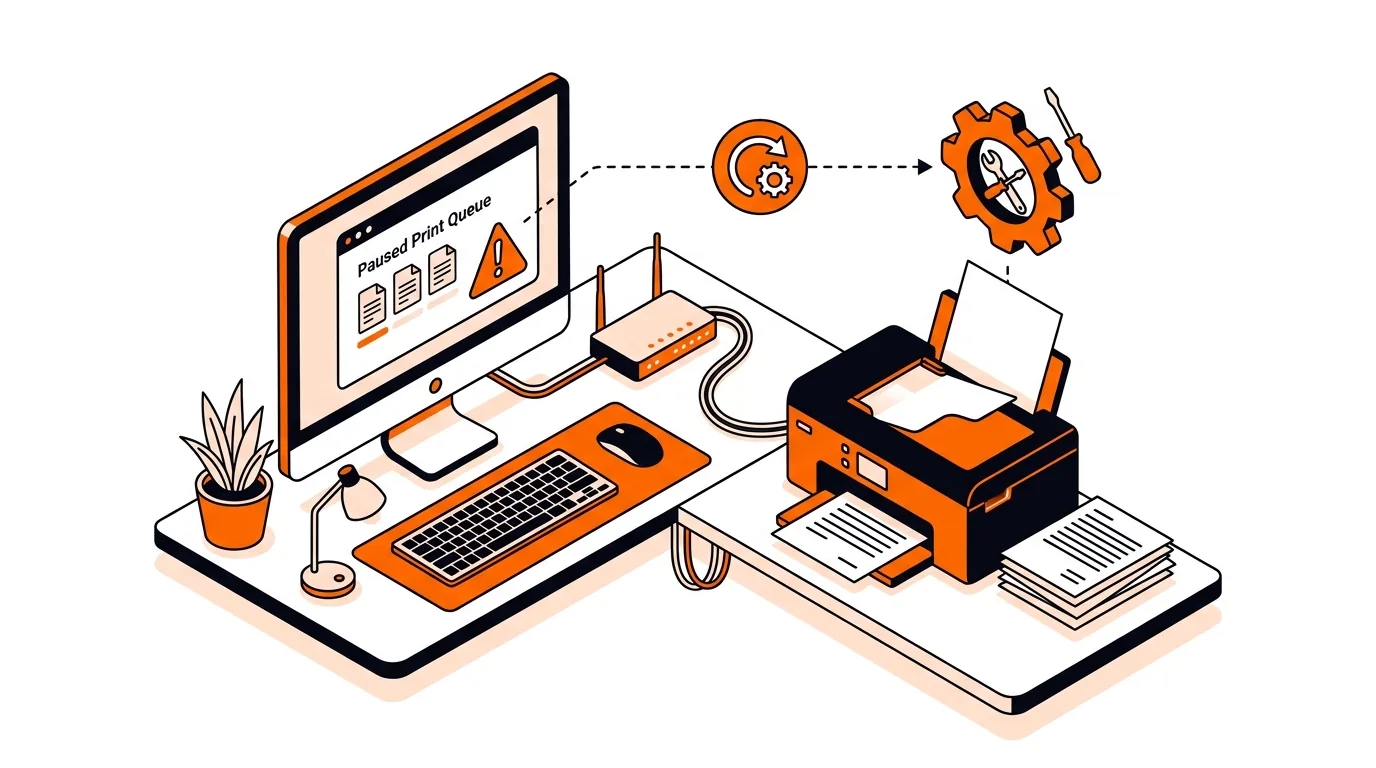
Get your printer working again by fixing a print spooler service that keeps stopping, with clear Windows steps to restore reliable printing.

Practical advice for Windows, Mac, security and home networking.
Get your printer working again by fixing a print spooler service that keeps stopping, with clear Windows steps to restore reliable printing.
If your File History drive is full, you can clear old versions safely, restore backup space, and keep Windows backups running without starting over.
If your PC feels slow after Patch Tuesday, this step-by-step fix can lower RAM usage, stop freezes, and help Windows run smoothly again.
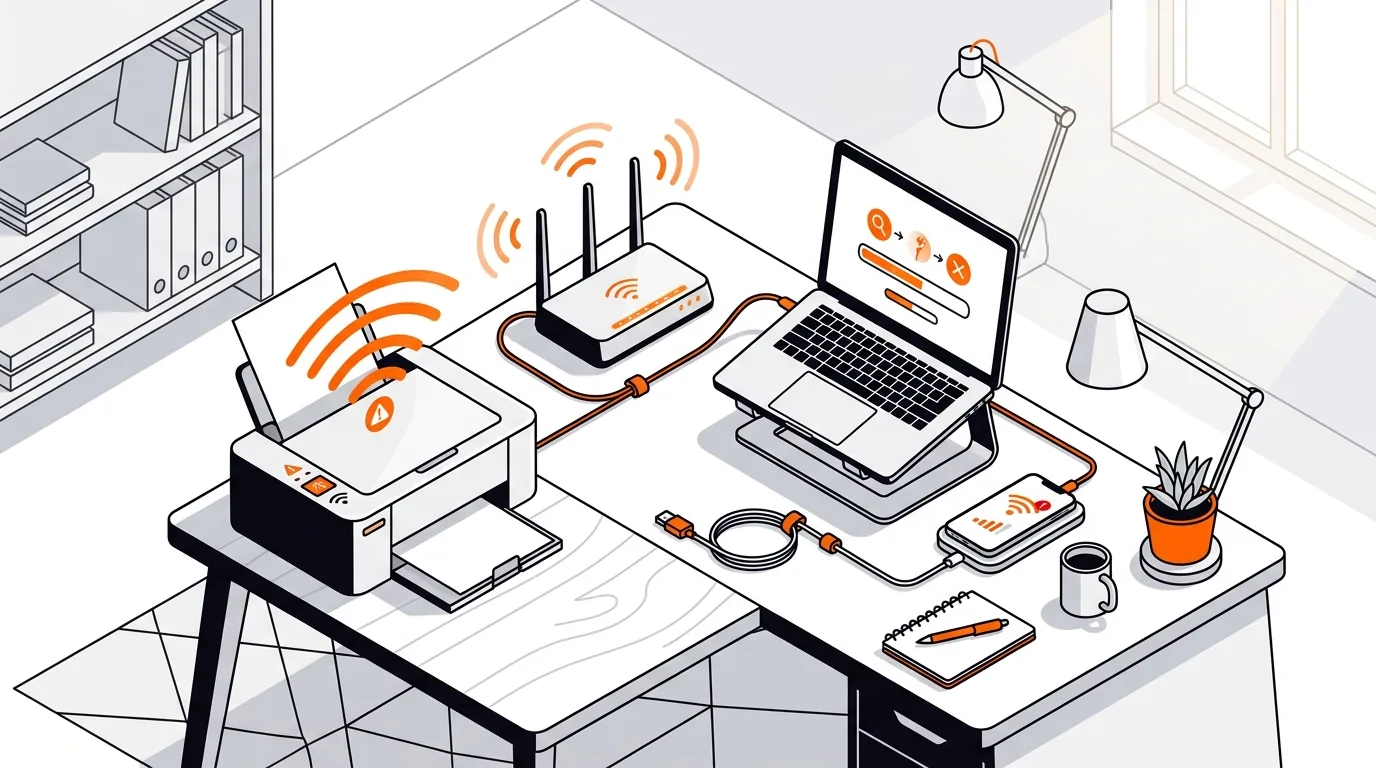
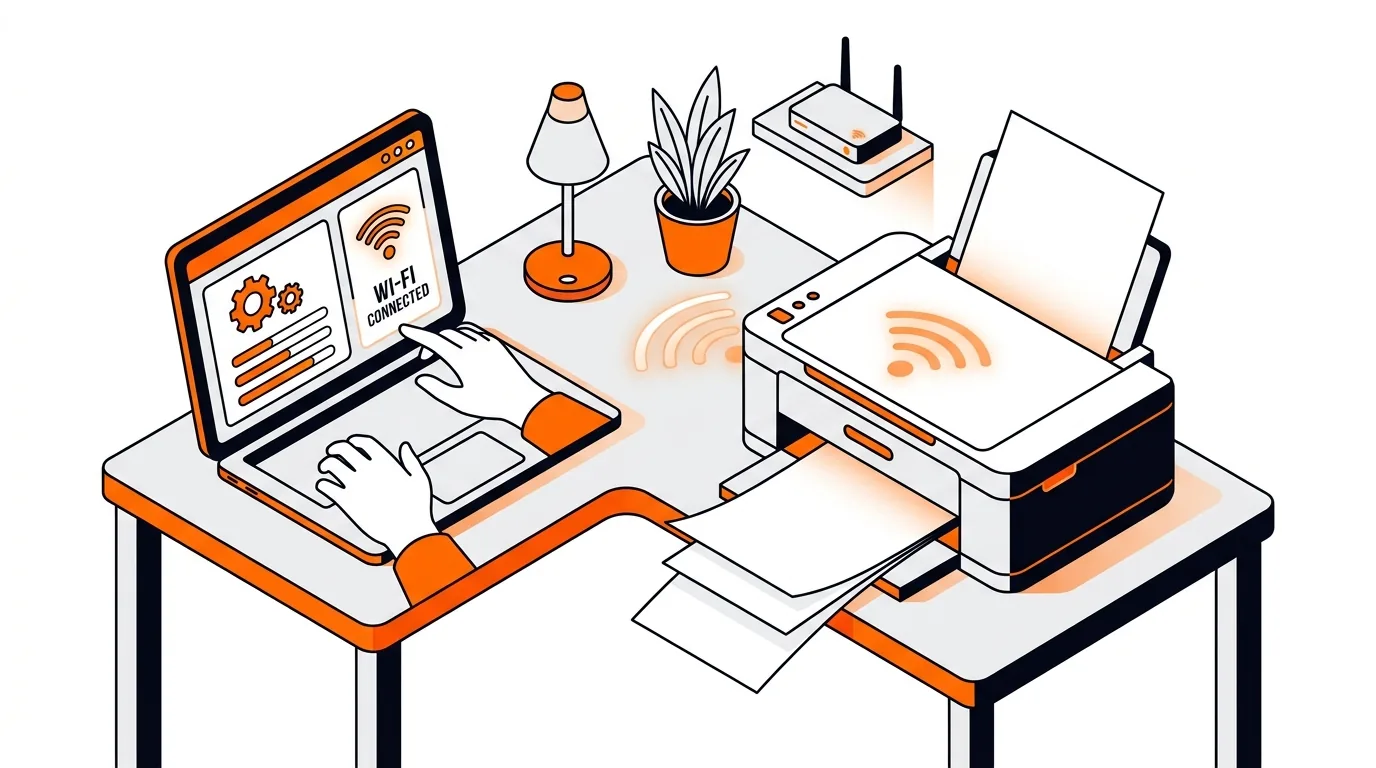
Stop repeated offline errors by fixing the most common Wi-Fi printer connection issues on Windows and Mac with clear steps you can follow at home.
If File History cannot find your backup drive, use these practical steps to reconnect it, restore automatic backups, and avoid gaps in protection.
If your network printer suddenly prints blank pages, this guide walks you through the fastest fixes to restore normal printing without wasting paper or ink.
If OneDrive placeholders leave you without offline access, this guide helps you restore local file copies quickly and prevent the problem from happening again.
Learn how to fix a Microsoft account password not syncing across Windows, Outlook, and web services so you can sign in normally again.
Learn when an email sync problem can be solved safely with remote tech support and when an in-store visit makes more sense, saving time and frustration.