Remote Support Session Ends Early? Stop Sleep Mode Interruptions
Keep your remote support session stable by preventing sleep, screen timeout, and lid-close settings from disconnecting your Windows or Mac mid-repair.

Practical advice for Windows, Mac, security and home networking.
Keep your remote support session stable by preventing sleep, screen timeout, and lid-close settings from disconnecting your Windows or Mac mid-repair.
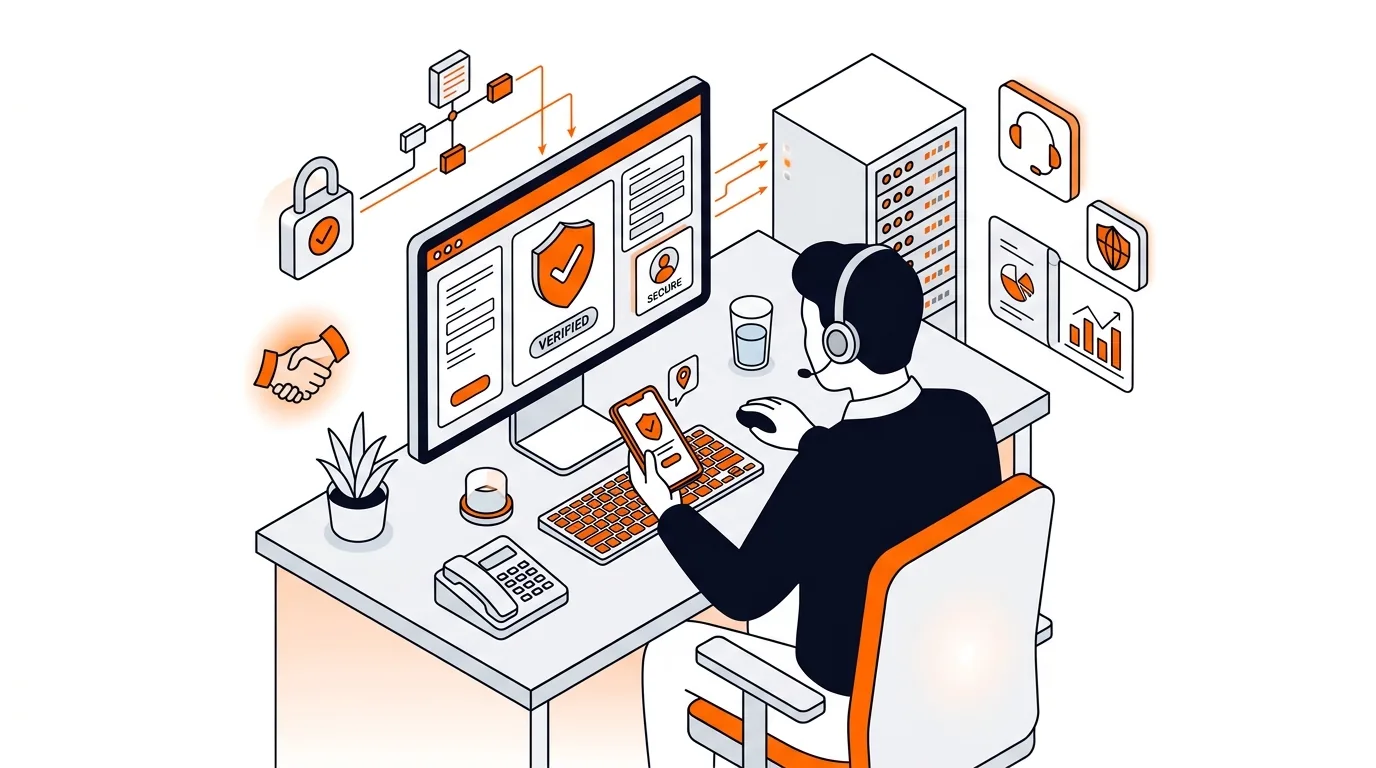
Learn how to confirm whether a tech support caller is legitimate before you share access, payment details, or personal information.
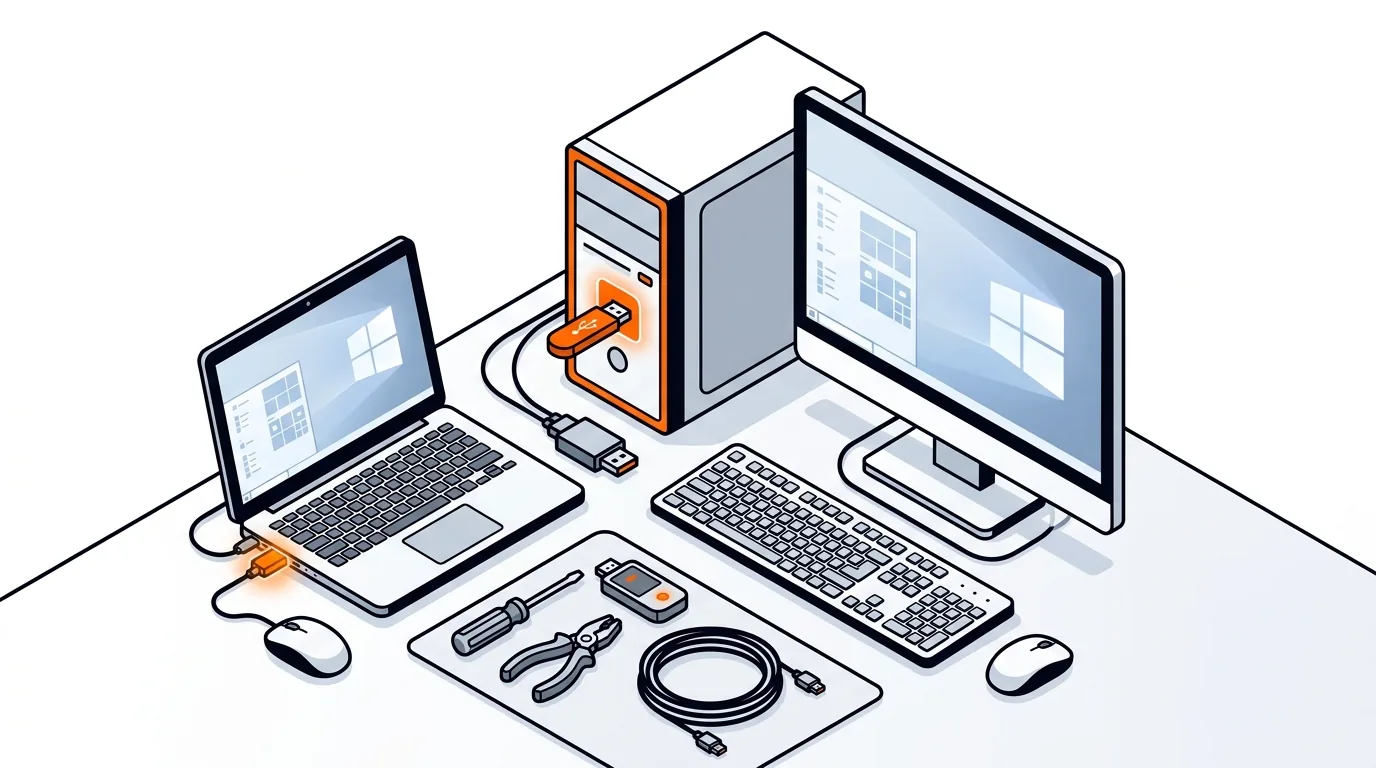
Get your USB ports working again with clear steps to check power, drivers, and hardware issues before you spend money on repairs or replacements.
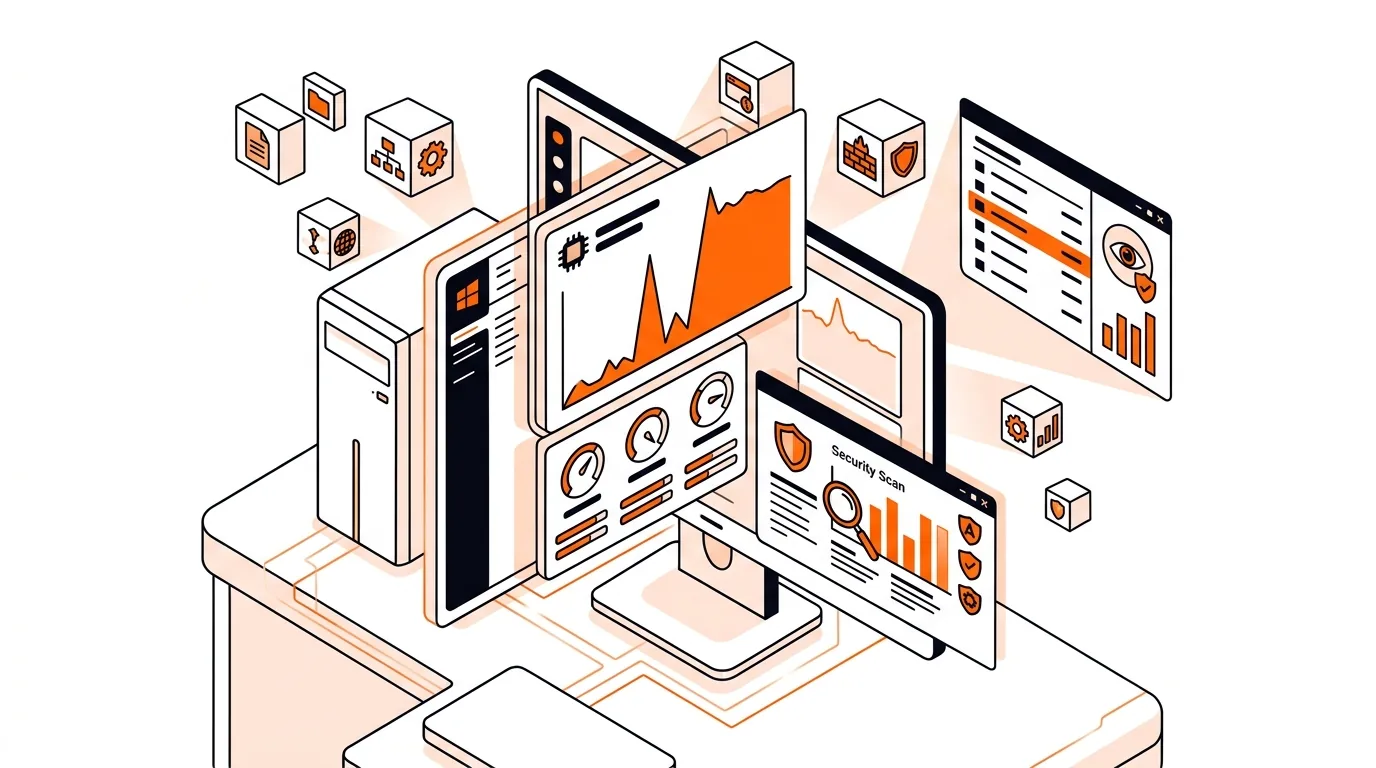
Learn how to reduce Antimalware Service Executable high CPU usage safely so your Windows PC runs cooler, faster, and with fewer slowdowns.
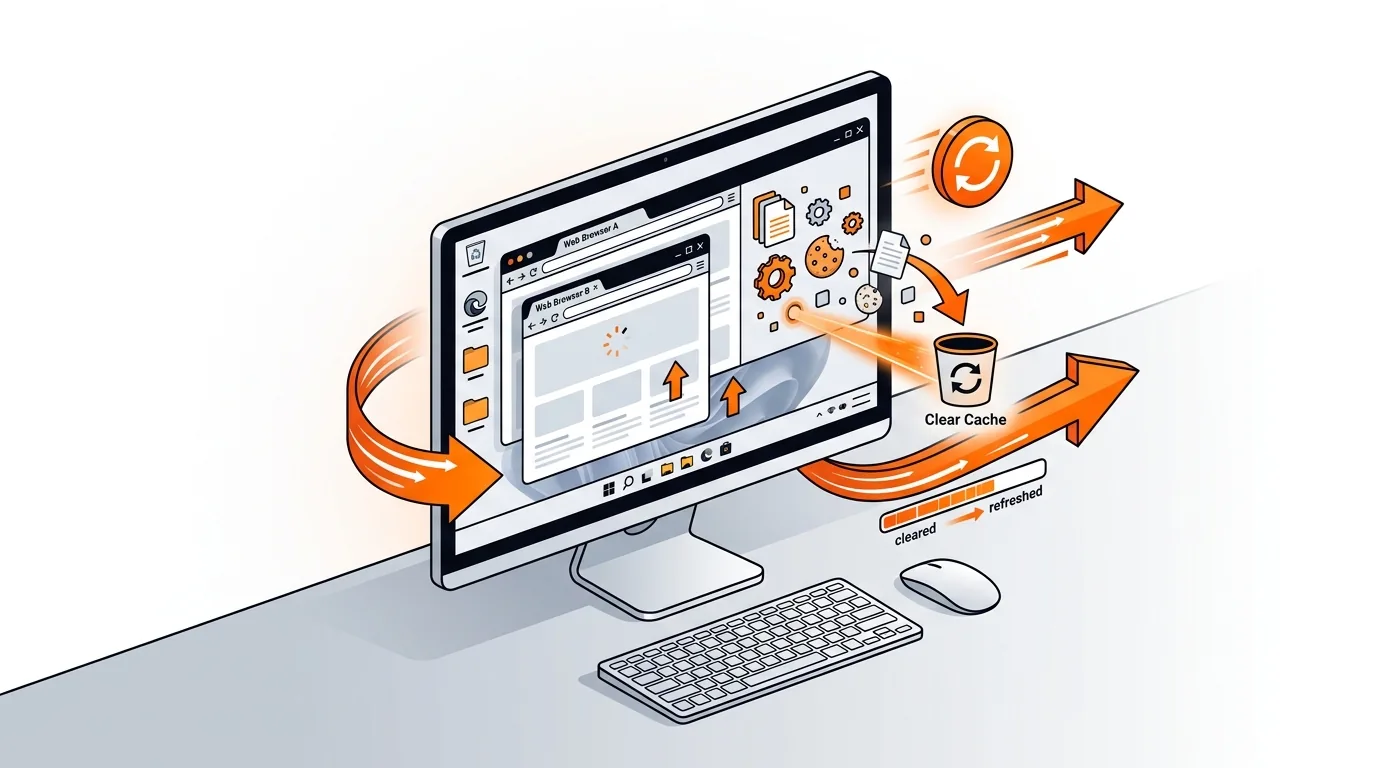
A corrupted browser cache can cause pages to load wrong or not at all; this guide shows how to clear it safely and restore normal browsing fast.
If your PC becomes unresponsive right after sign-in, this step-by-step guide can reduce 100% disk usage on Windows and help restore normal speed safely.
Get your protection current again with clear steps to fix antivirus update failed errors on Windows 11 without risky changes or wasted time.
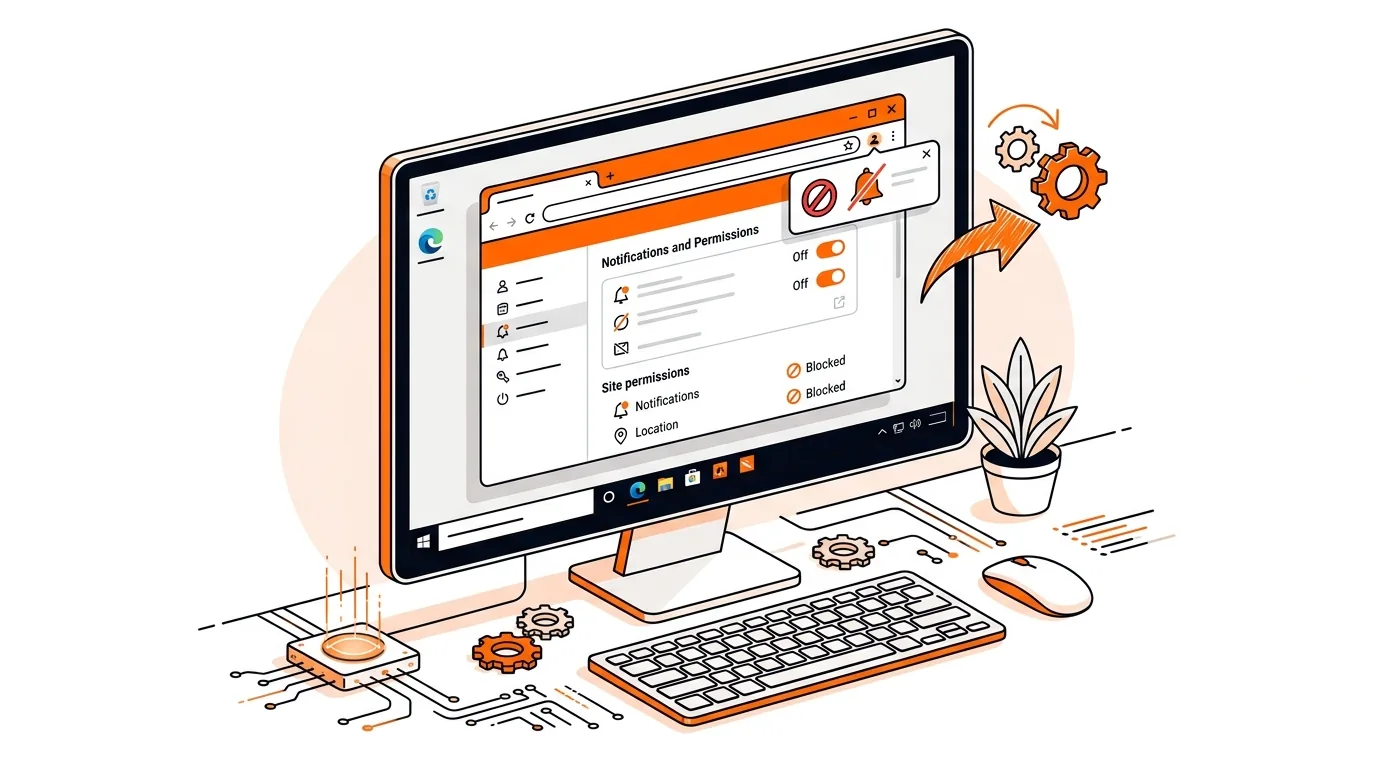
Learn how to stop fake Chrome notification spam on Windows, revoke bad site permissions, and clean up the browser so alerts stop coming back.
Stop fake virus pop-ups that lock your browser or demand payment with safe, step-by-step cleanup methods for Windows users.