What Real-Time Antivirus Scanning Checks First
Real-time antivirus scanning works in the background to check risky files, apps, and activity as they appear, helping reduce infections on Windows and Mac.

Antivirus setup, scanning and troubleshooting help.
Showing 9 of 10 Antivirus Support articles
Real-time antivirus scanning works in the background to check risky files, apps, and activity as they appear, helping reduce infections on Windows and Mac.
Running more than one antivirus program can lead to slow performance, broken scans, and missed protection on Windows and Mac computers.
Learn how to choose antivirus for a home or small-business PC, avoid common setup mistakes, and configure scans, updates, and exceptions safely.
Learn how to fix a Microsoft Defender scan stuck at 0% so you can restore protection, complete scans successfully, and rule out software conflicts.
If Microsoft Defender security intelligence will not update, these steps can clear corrupted files, restart key services, and restore real-time protection.
Resolve Microsoft Defender error 0x800704ec with clear steps to restore protection, remove policy blocks, and get real-time security working again.
If Microsoft Defender is turned off by another antivirus, this guide helps you identify conflicts, restore protection, and prevent the issue from returning.
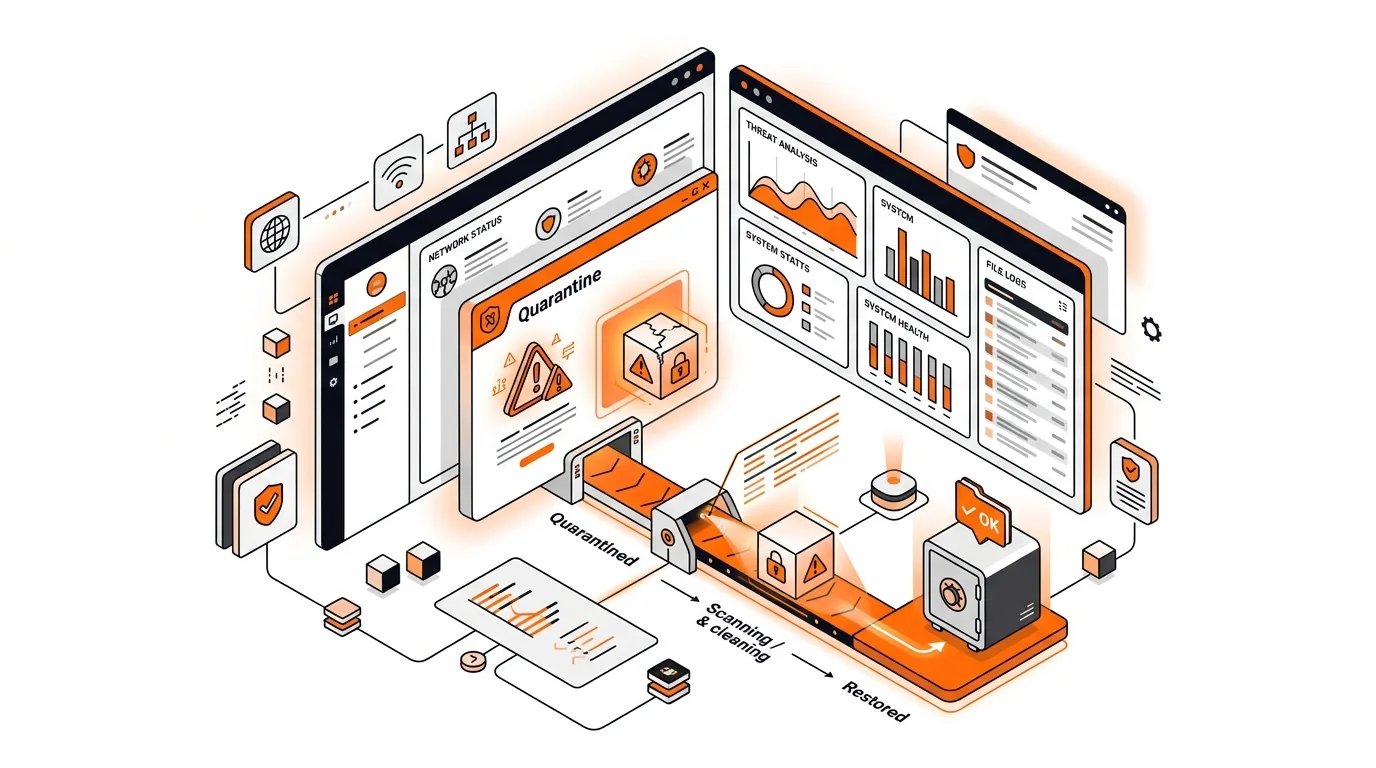
Learn how to remove a stuck false positive from antivirus quarantine safely, restore trusted files, and stop repeat detections without weakening protection.
Get your protection current again with clear steps to fix antivirus update failed errors on Windows 11 without risky changes or wasted time.