Remote Support Screen Is Black? Fix Display Driver Issues
If your remote support session shows a black screen, these steps can restore visibility fast so the technician can work without repeated disconnects.

Everything about remote PC assistance — safety, tools and best practices.
Showing 4 of 4 Remote Technical Support articles
If your remote support session shows a black screen, these steps can restore visibility fast so the technician can work without repeated disconnects.
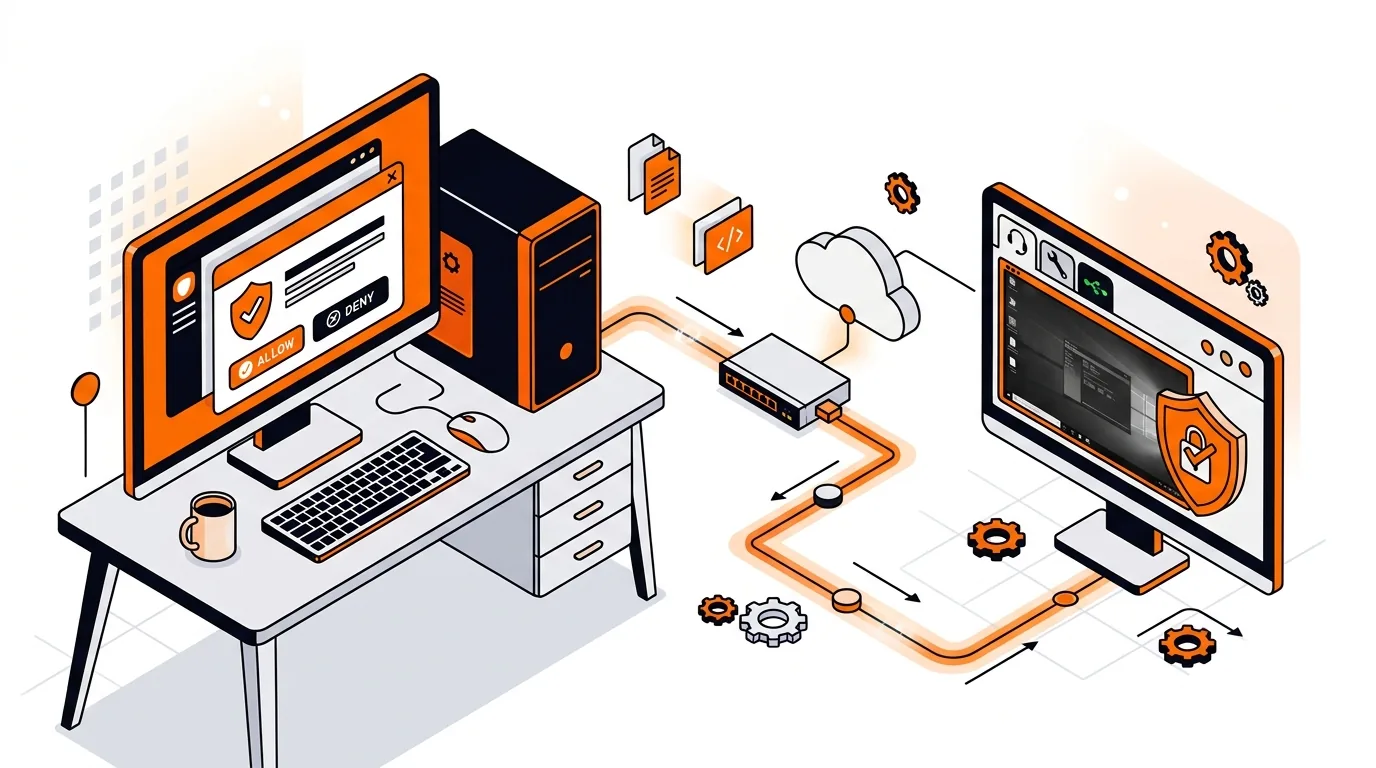
Stop repeated permission pop-ups during a remote session by adjusting UAC-friendly settings so your technician can work smoothly and securely.
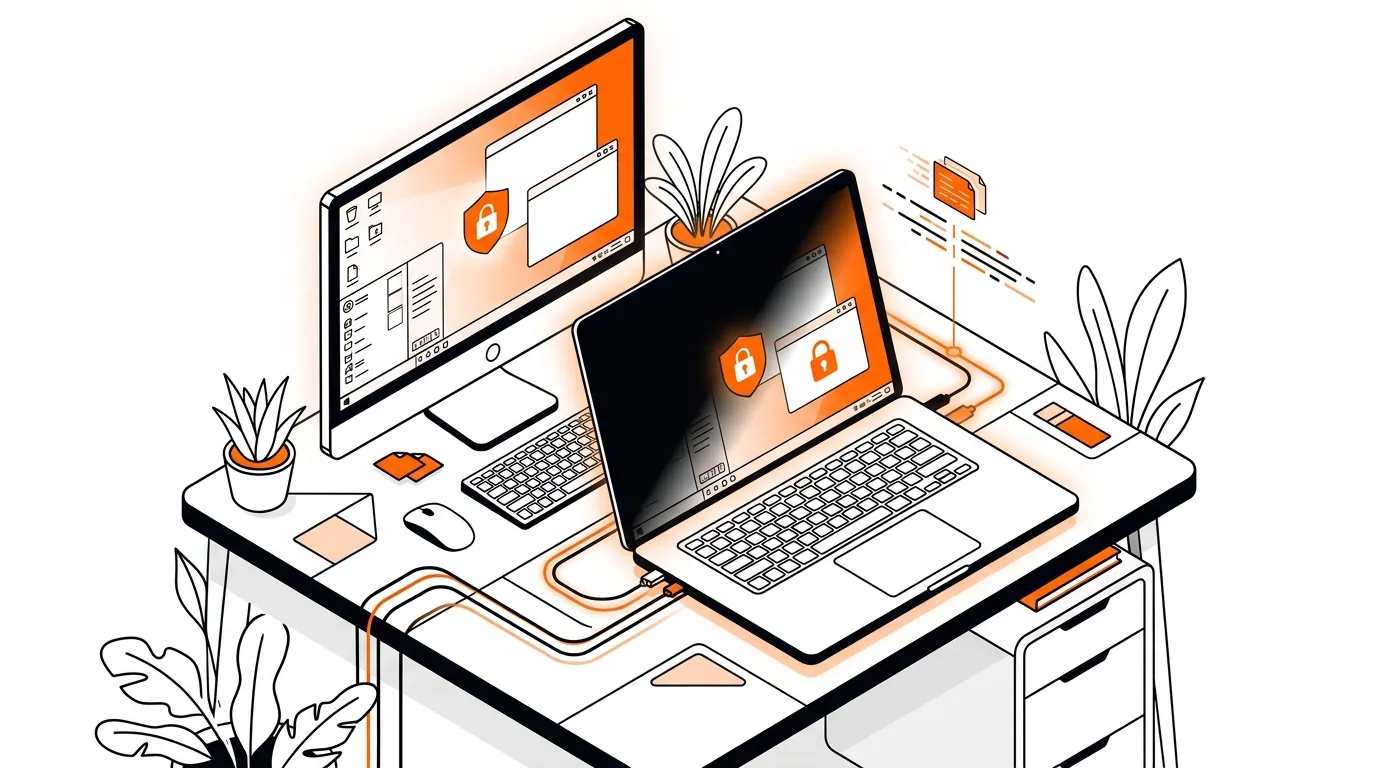
Keep your remote support session stable by preventing sleep, screen timeout, and lid-close settings from disconnecting your Windows or Mac mid-repair.
Learn how to fix a remote support session that will not connect by checking firewall, permissions, network, and security settings safely.