Why Security Updates Matter Before Problems Appear
Security updates fix hidden weaknesses in Windows, macOS, browsers, and apps, helping home and small-business users avoid preventable security and stability problems.

Routine maintenance that keeps a PC healthy.
Showing 8 of 8 Computer Maintenance articles
Security updates fix hidden weaknesses in Windows, macOS, browsers, and apps, helping home and small-business users avoid preventable security and stability problems.
Learn how to safely remove old Windows driver packages, recover disk space, and avoid deleting the drivers your PC still needs.
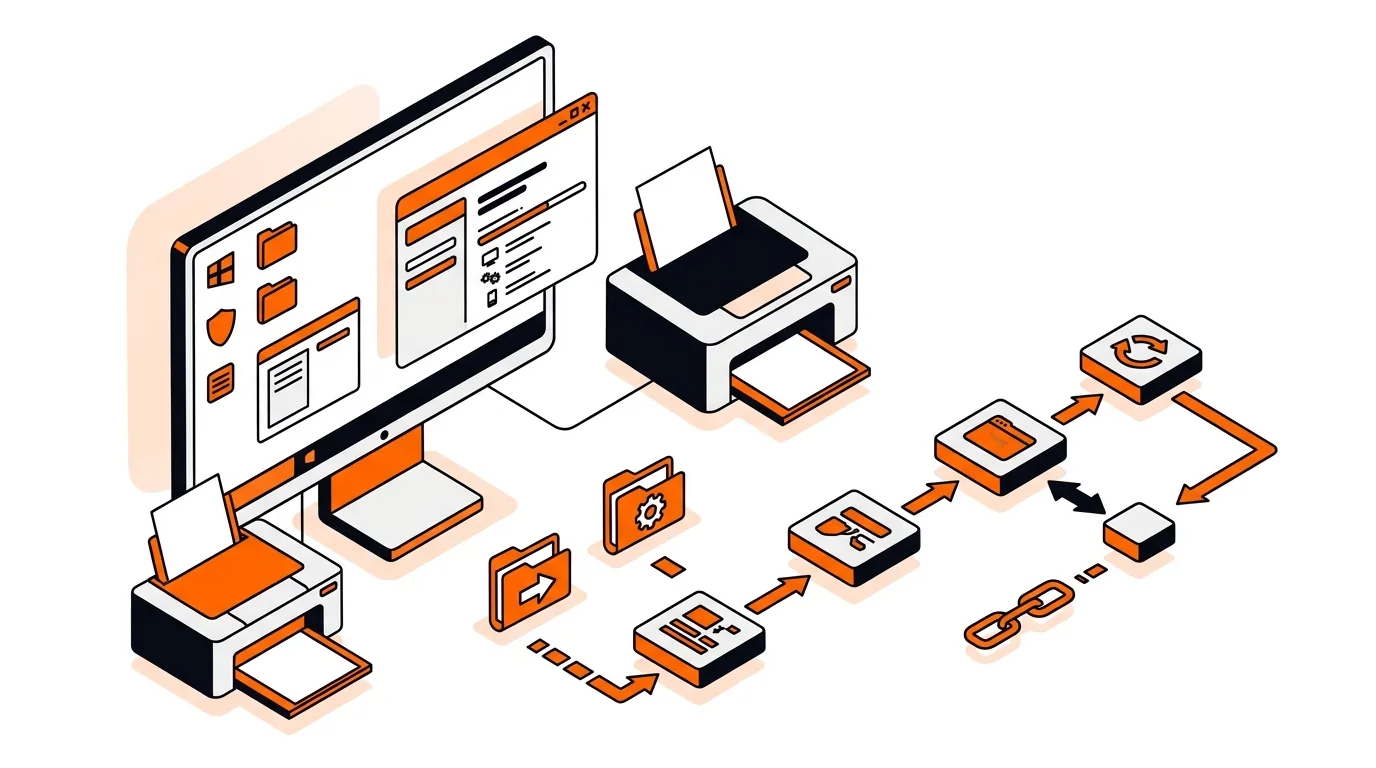
Stop Windows from repeatedly reinstalling the same printer driver by clearing old packages, pausing automatic updates, and reconnecting the printer cleanly.
Speed up boot time by finding and disabling unnecessary startup apps so your Windows PC reaches the desktop faster and feels responsive again.
If your PC feels slow after Patch Tuesday, this step-by-step fix can lower RAM usage, stop freezes, and help Windows run smoothly again.
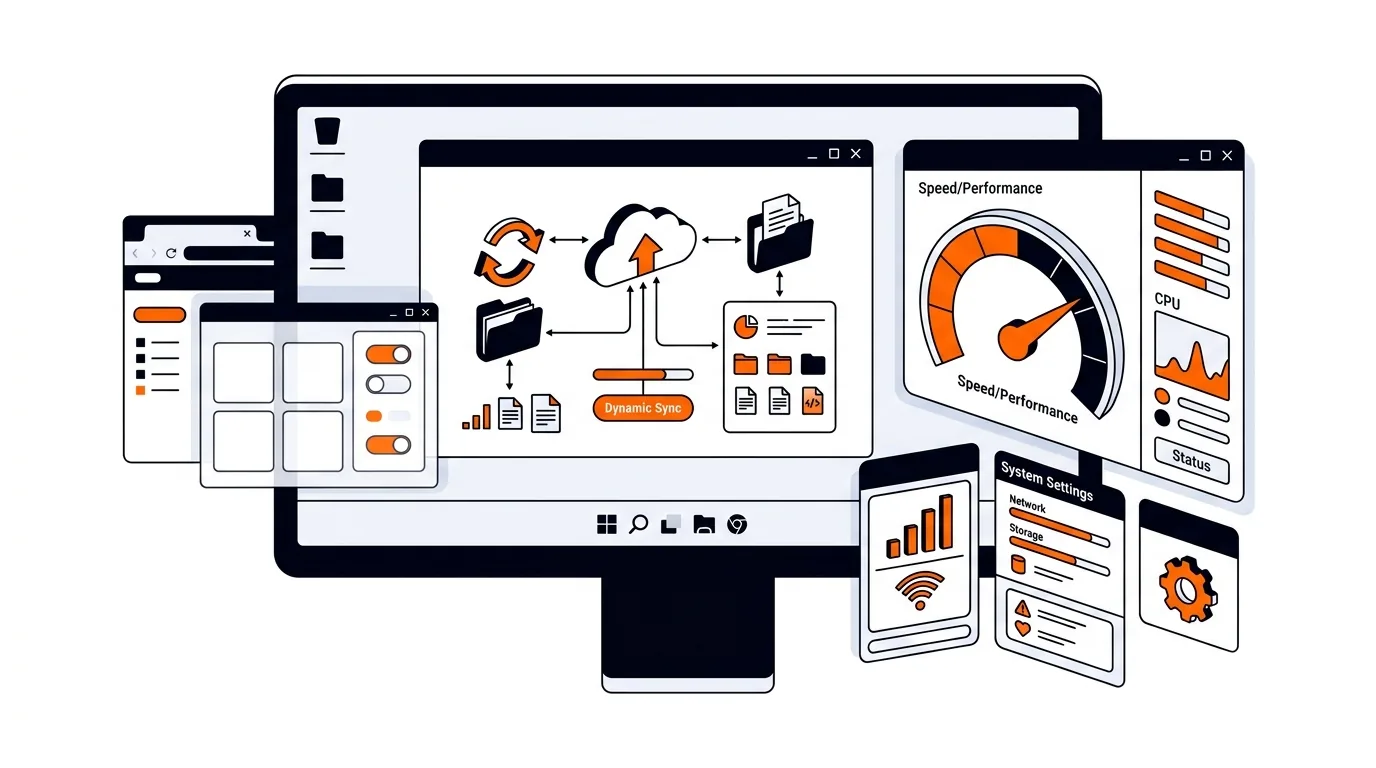
If OneDrive syncing is making your Windows PC feel sluggish, a few targeted settings changes can restore speed without removing your files.
If your laptop fan runs all the time, these practical Windows fixes can reduce heat, cut noise, and help your PC run more efficiently.
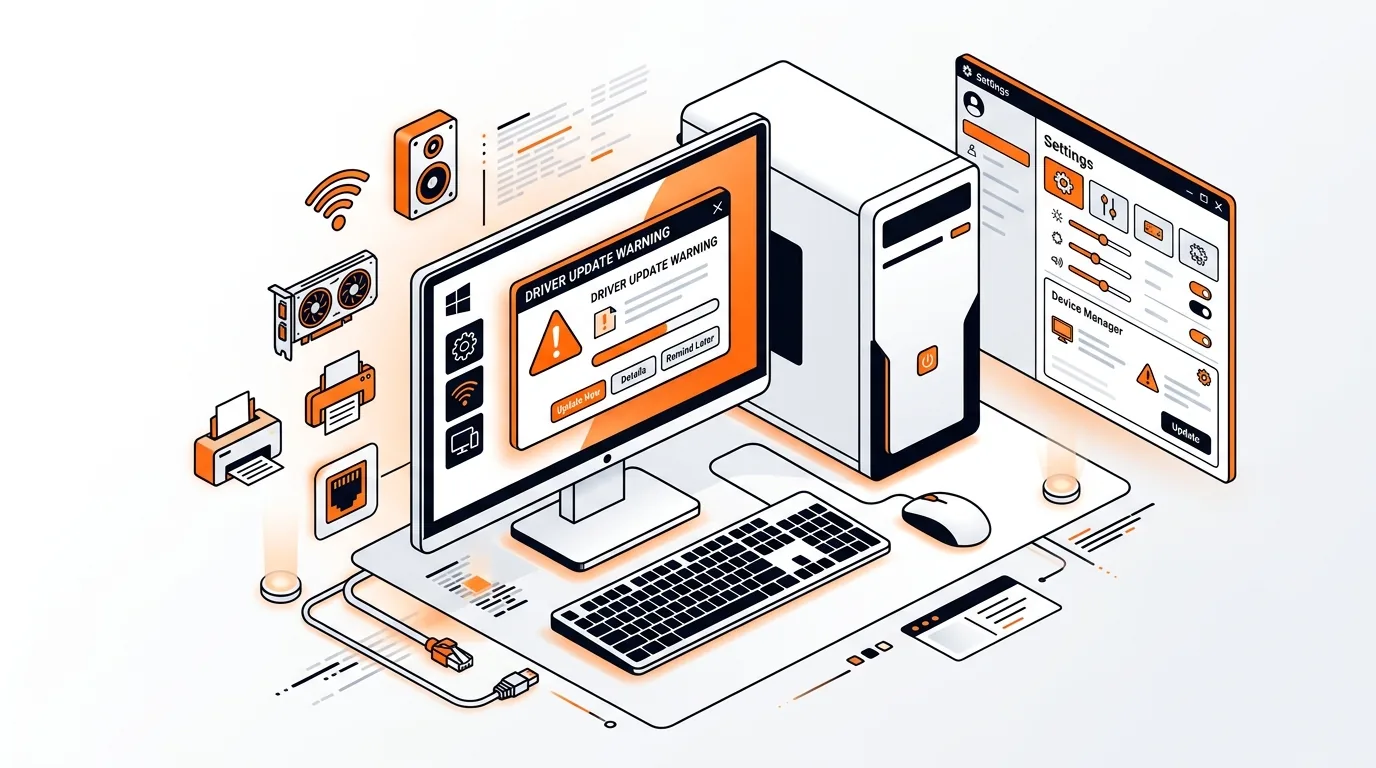
Learn how to prevent Windows Update from replacing a stable driver, so you can stop recurring crashes, flickering, or device problems for good.