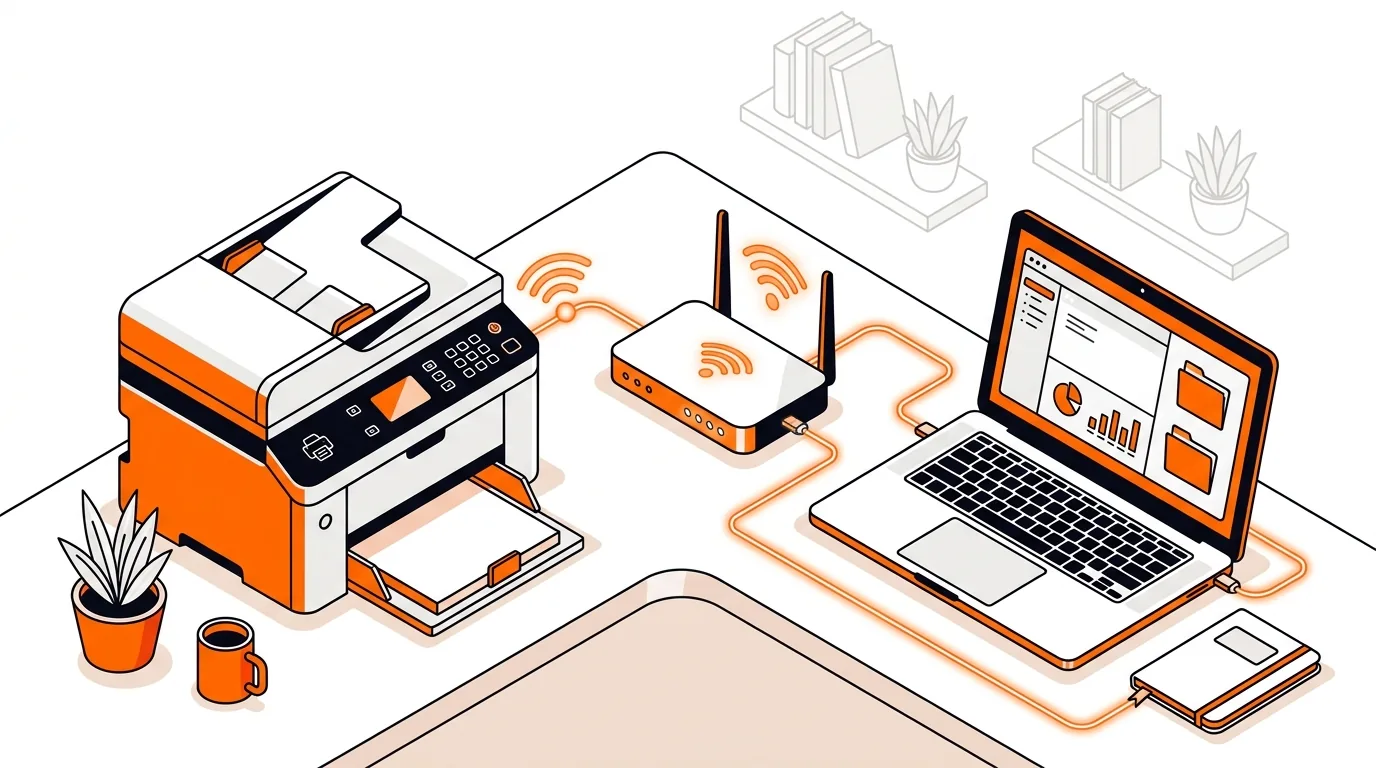
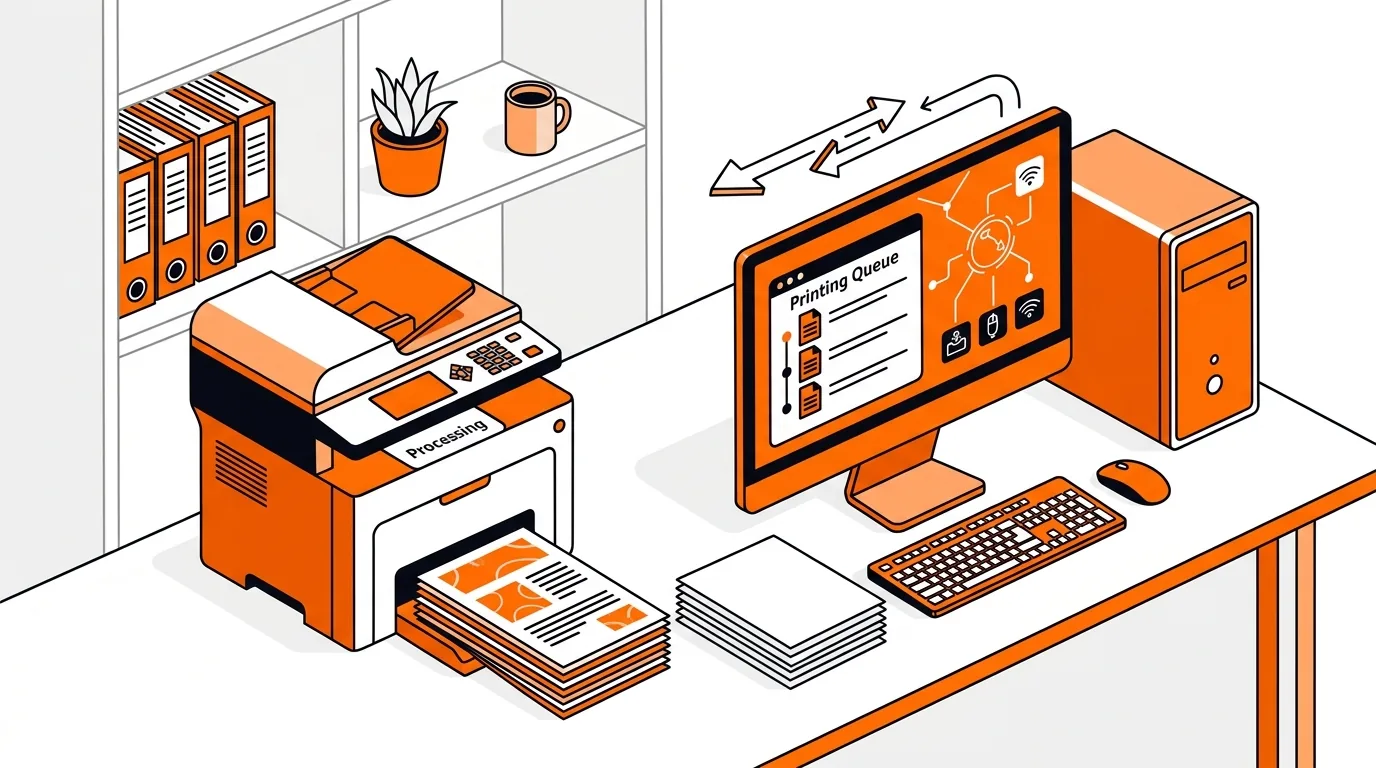
How to Fix a Printer Showing Error State in Windows
Learn how to fix a printer in error state on Windows with clear steps that restore printing, reconnect the device, and prevent the issue from returning.

Printer, scanner and multifunction device setup and errors.
Showing 7 of 7 Printer & Scanner Support articles
Learn how to fix a printer in error state on Windows with clear steps that restore printing, reconnect the device, and prevent the issue from returning.
Get your printer working again by fixing a print spooler service that keeps stopping, with clear Windows steps to restore reliable printing.
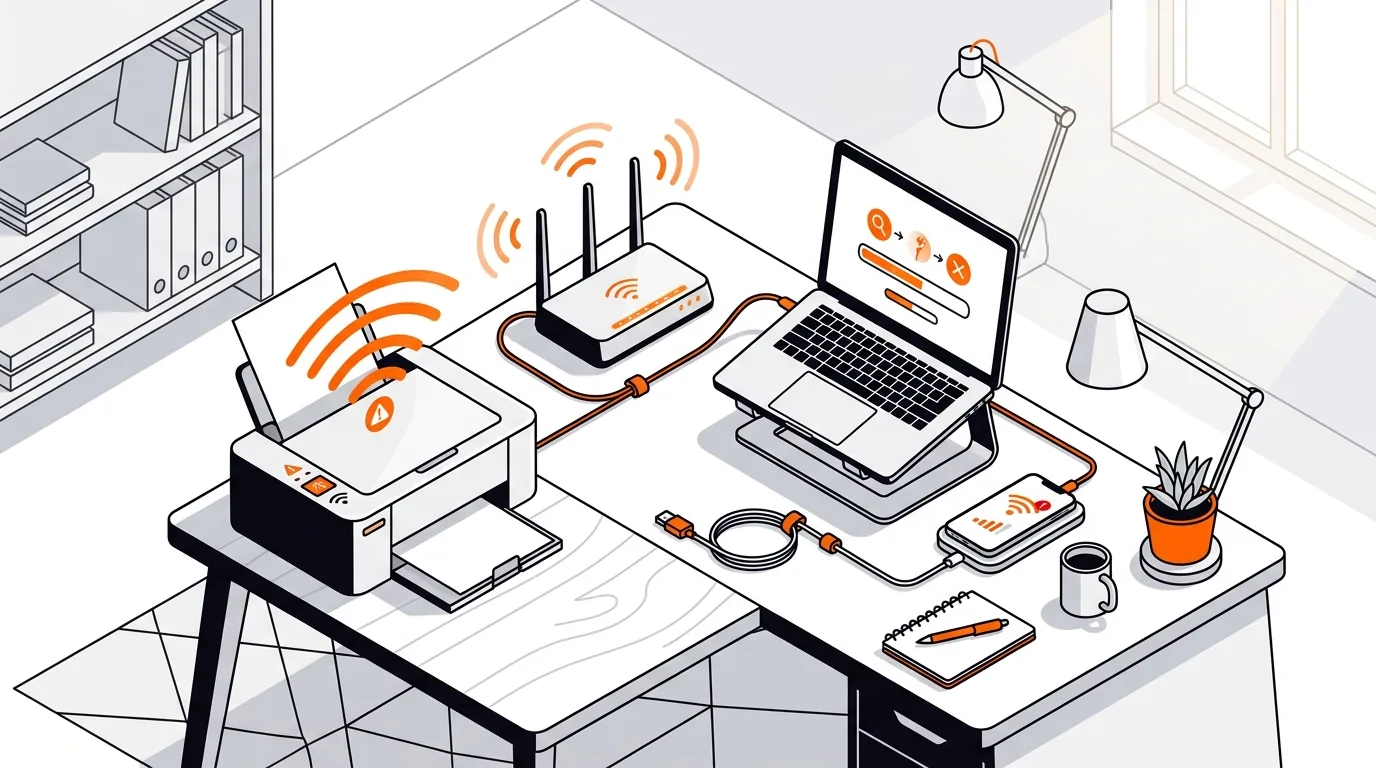
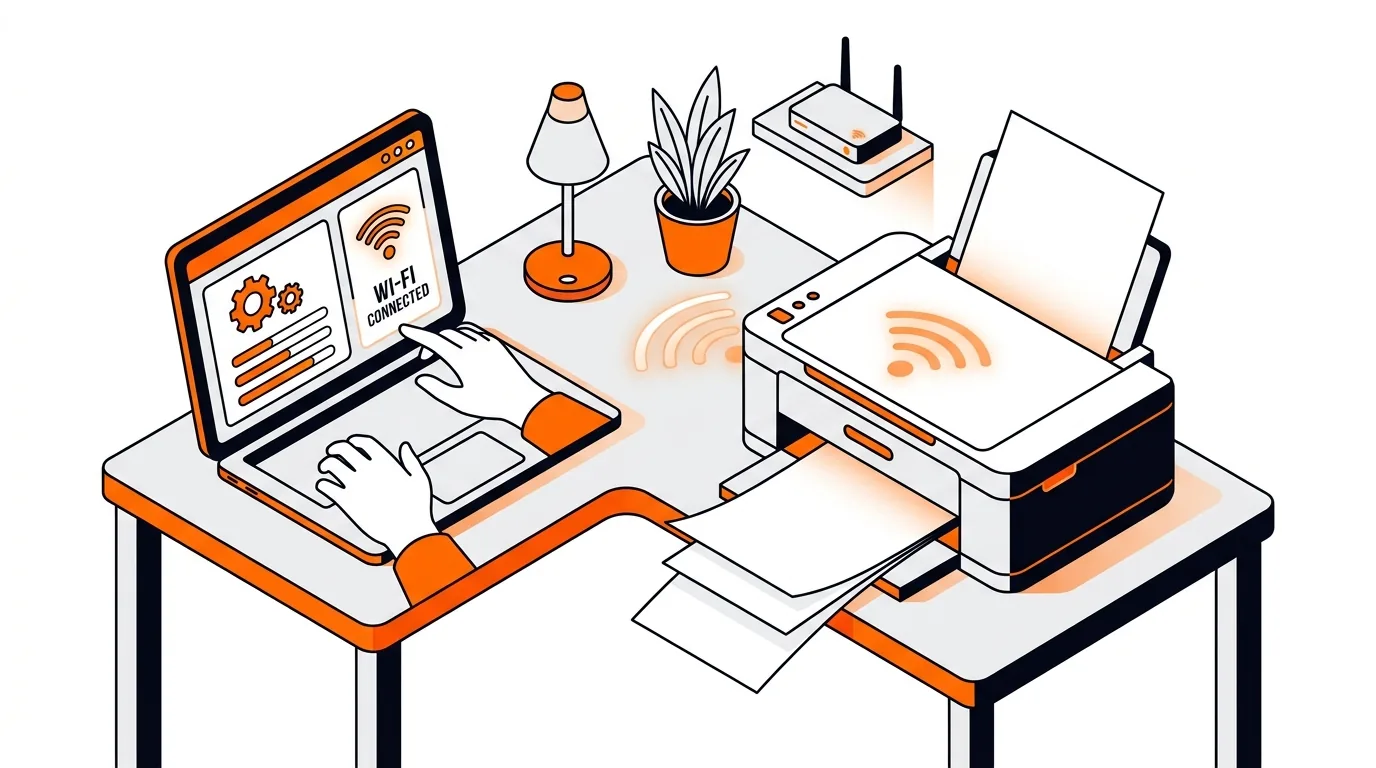
Stop repeated offline errors by fixing the most common Wi-Fi printer connection issues on Windows and Mac with clear steps you can follow at home.
If your network printer suddenly prints blank pages, this guide walks you through the fastest fixes to restore normal printing without wasting paper or ink.
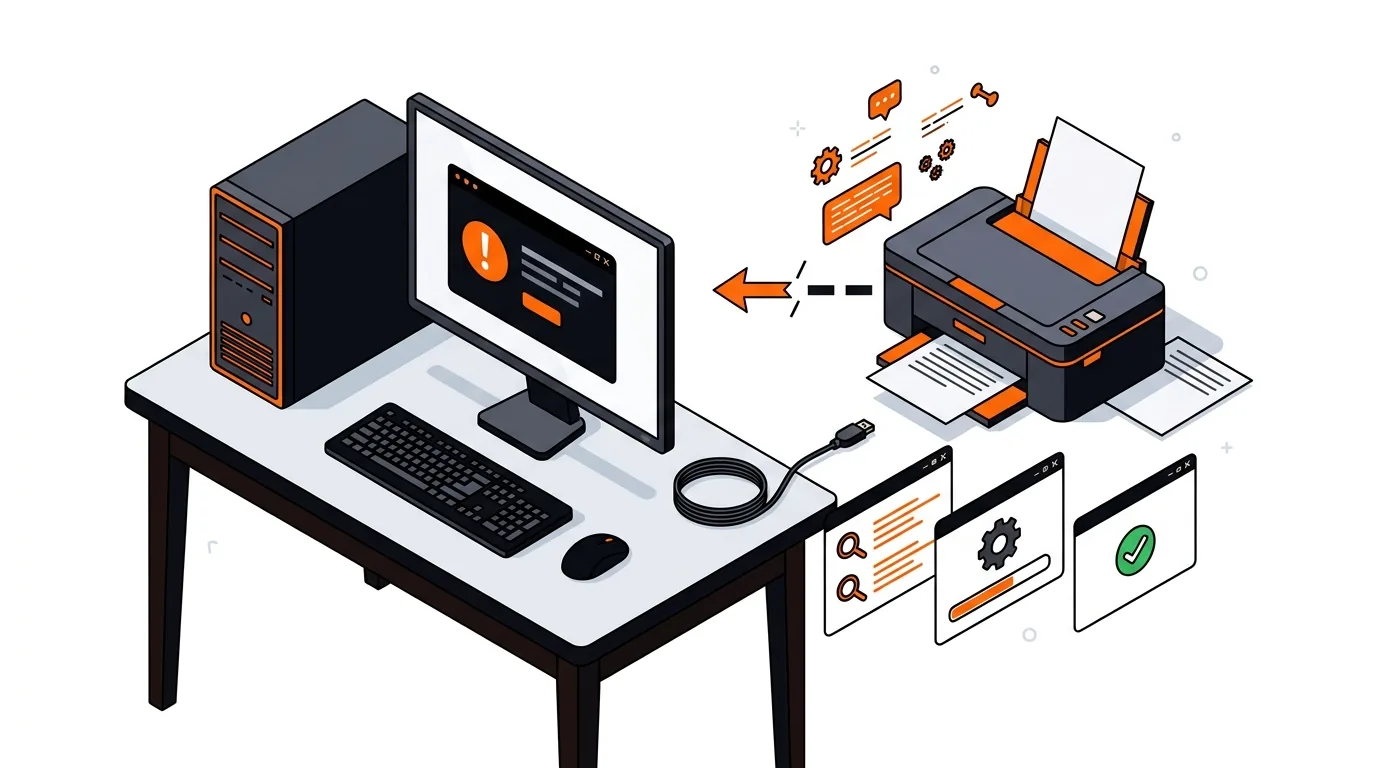
Learn how to restore a missing printer driver after a Windows update so your printer comes back online and starts printing again without guesswork.
Get your scanner working again with simple Wi-Fi checks, driver fixes, and network resets that help Windows and Mac detect it reliably.
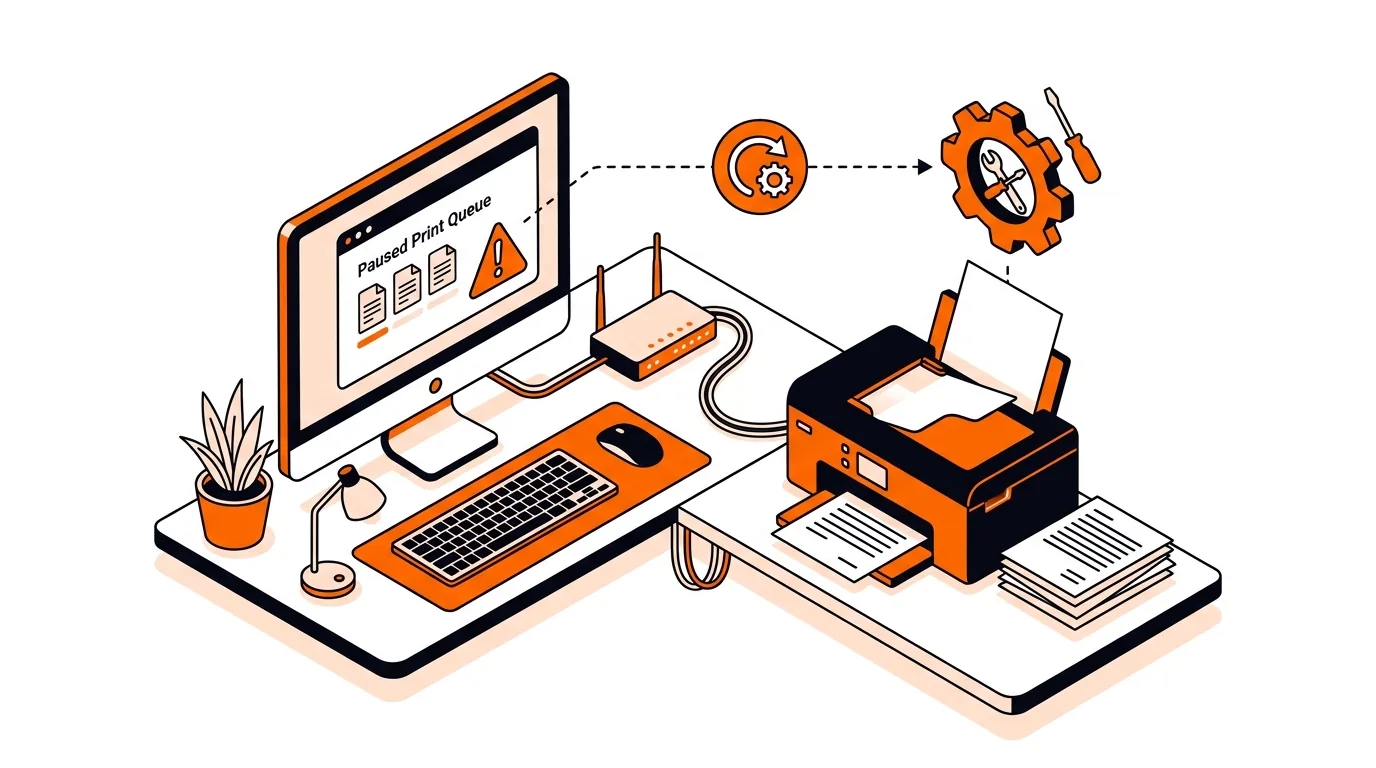
Learn how to clear a stuck print queue on Windows so jammed print jobs stop blocking your printer and documents start printing again.