How to Secure a Home Wi-Fi Router Properly
Learn how to secure a home Wi-Fi router with safer passwords, better settings, and guest network controls for Windows and Mac users.

Everyday computer security best practices for home and small-business users.
Showing 7 of 16 Computer Security articles
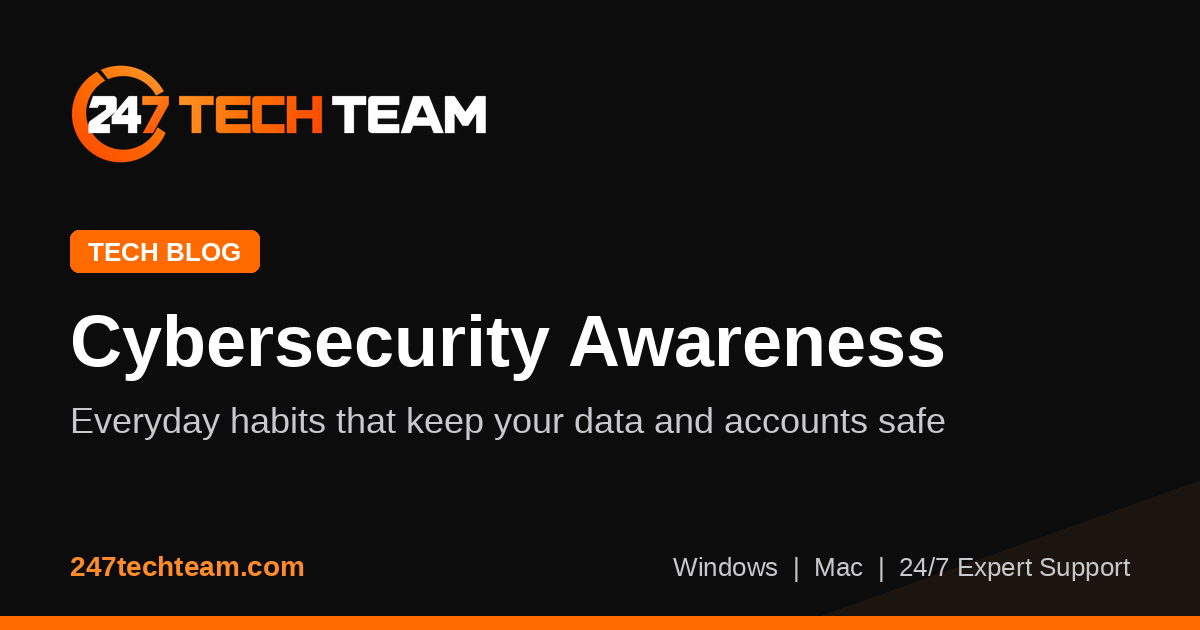
Learn how to secure a home Wi-Fi router with safer passwords, better settings, and guest network controls for Windows and Mac users.
Learn which browser privacy settings are worth changing on Windows and Mac to reduce tracking, limit data sharing, and browse with fewer surprises.
Use this household cybersecurity checklist to improve passwords, updates, user accounts, browsing habits, and backups on shared Windows and Mac computers.
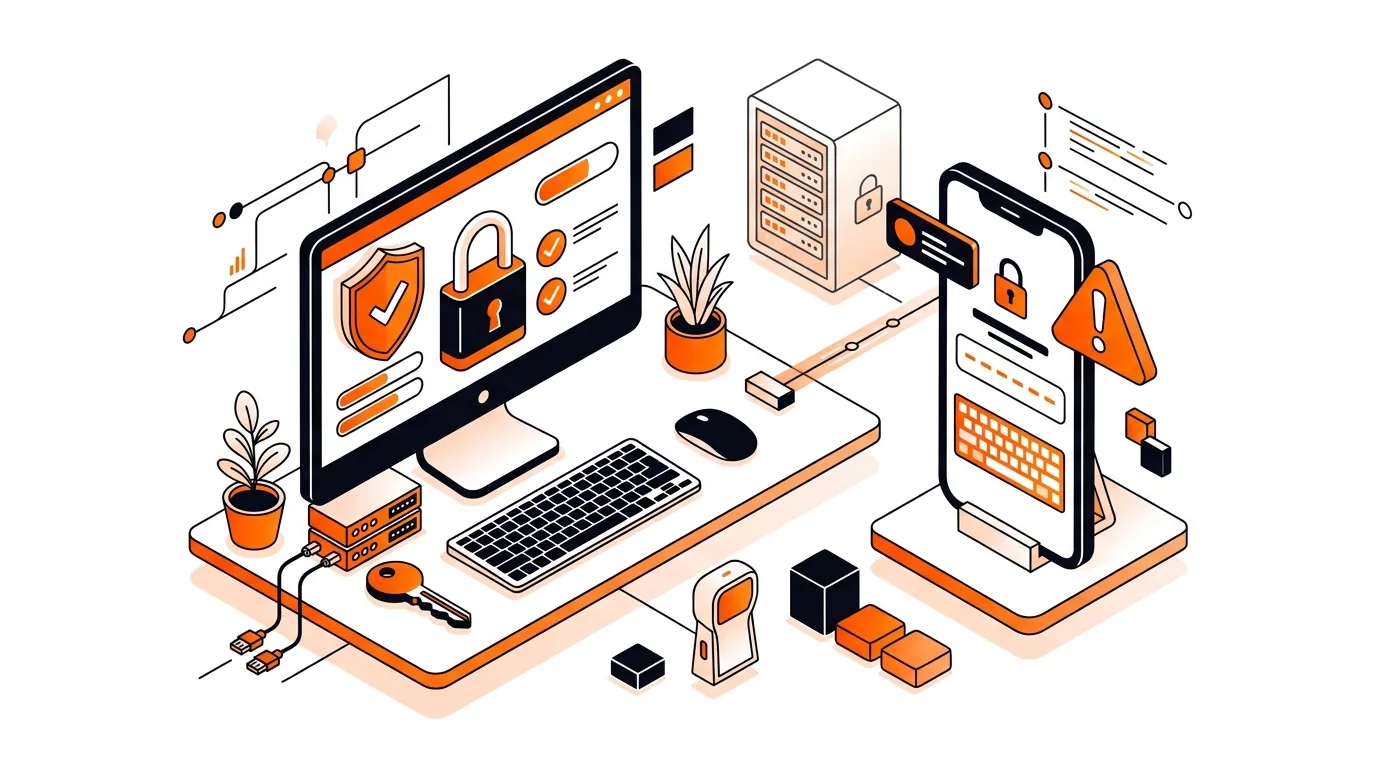
If you got a password leak alert, turning on 2FA quickly can block unauthorized sign-ins and help you secure your email, banking, and shopping accounts.
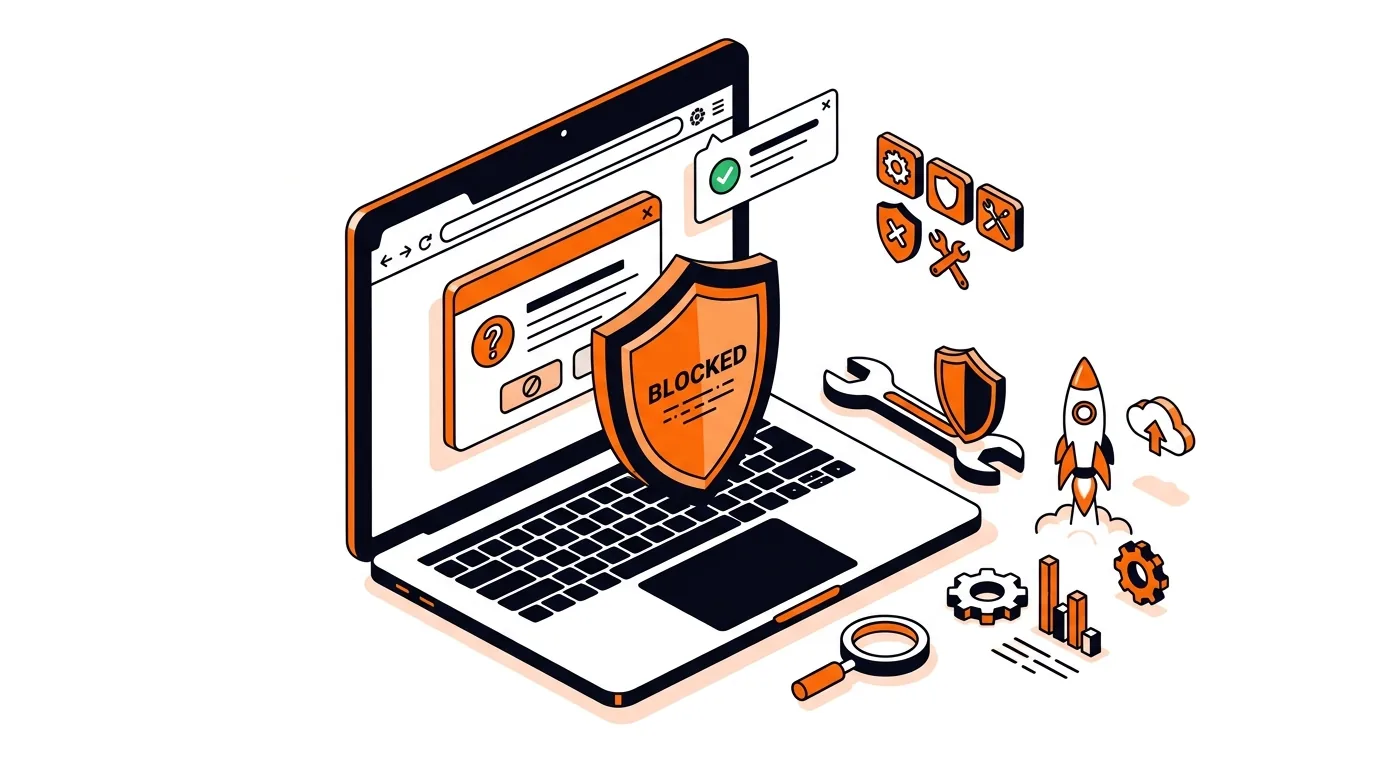
Learn how to stop fake virus pop-ups in your browser, block repeat alerts, and secure your settings without risking your files or passwords.
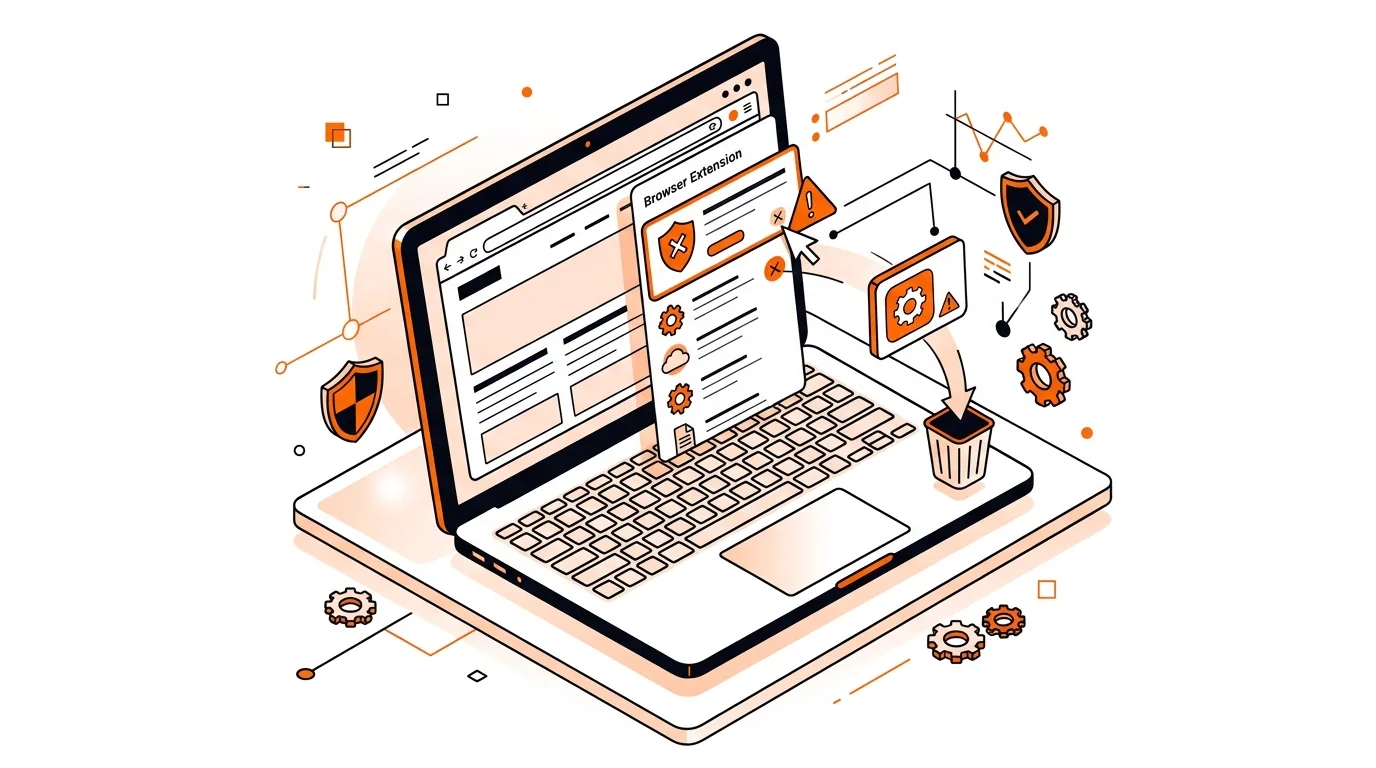
Learn how to remove a suspicious Chrome extension, reset changed browser settings, and reduce the chance of tracking, pop-ups, or search hijacking.
Learn how to close a fake virus alert safely, stop repeat pop-ups, and check your browser for risky settings or extensions without making things worse.